-
Gujarat, India
- info@icontechnology.in
- 24/7 Customer Support
Gujarat, India
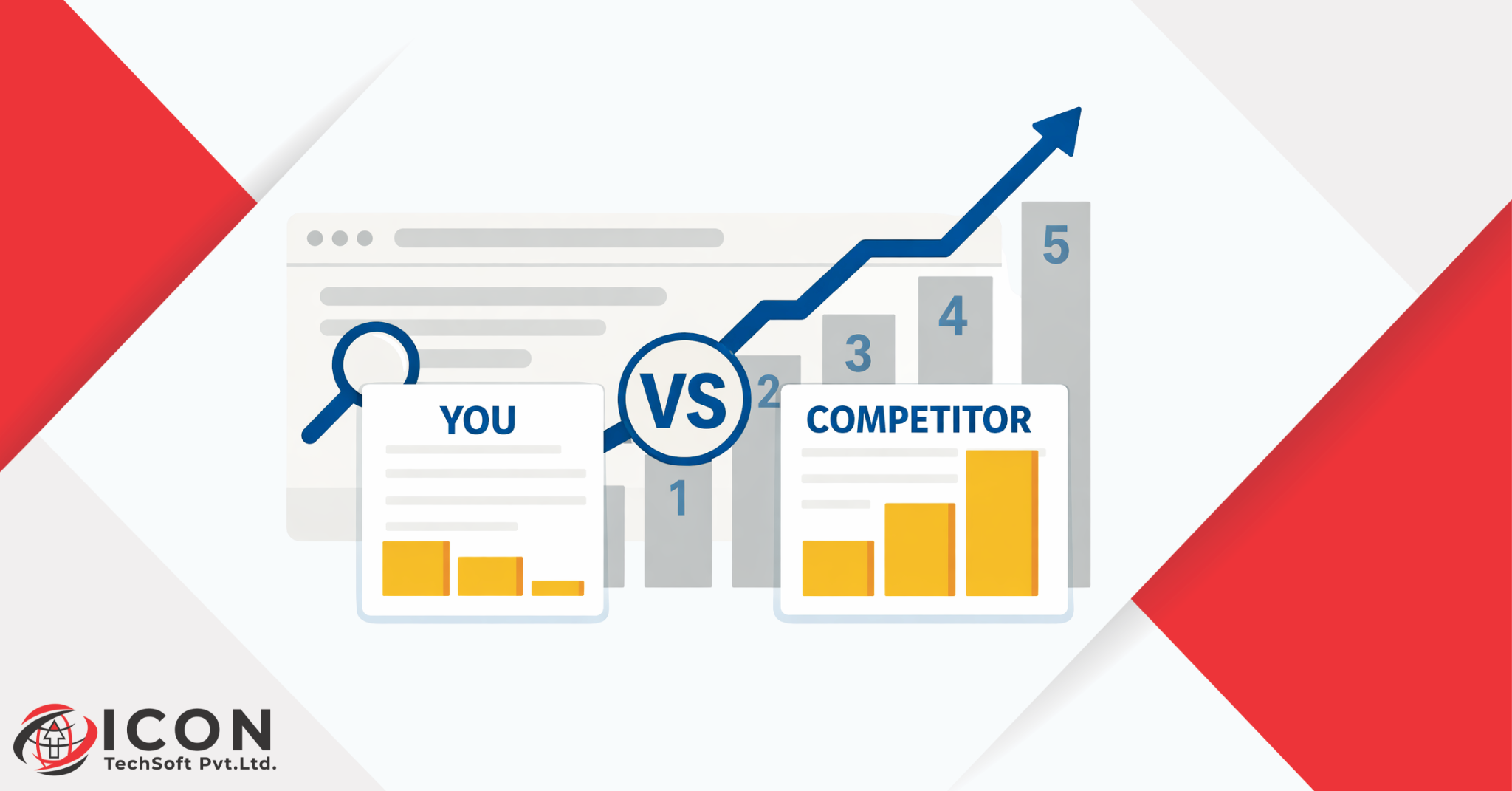
In today’s digital world, your website is your storefront. It’s the first place potential customers visit to learn about your business. But here’s the problem: if your competitor’s website is beating yours, you’re losing sales, leads, and growth every day. Many business owners build a website thinking that’s enough. It’s not. A poor website drives visitors away, kills engagement, hurts performance, and stops conversion.
Why does this happen? Competitors win because their website loads fast, looks great on mobile, guides users easily, and turns visitors into buyers. Yours might have performance issues, confusing design, or no clear calls to action. In this guide, we’ll break down why my website is not getting traffic and how to improve website conversion. We’ll cover everything from website builder choices to user psychology. By the end, you’ll have a clear plan to make your website outperform the competition. Let’s dive in.
Having a website is like owning a store with no customers. You built it, but if no one stays or buys, it’s useless. Stats show 88% of online shoppers won’t return after a bad experience. Your website must do more than exist-it needs to engage, convert, and perform.
Competitors succeed because their website solves user problems fast. Yours might look okay but fail in key areas like speed or navigation. Just having a website doesn’t rank you on Google or build trust.
Competitors focus on the user. Their website uses smart design for better engagement and conversion. They pick the right website builder for top performance. You might use a free tool that limits you. Result? They get traffic, you don’t.
Why my website is not getting traffic often boils down to ignoring these basics. Time to face facts and fix it.
Users judge your website in 50 milliseconds. That’s faster than a blink. A bad first impression means they leave forever.
A slow-loading website screams “unreliable.” Users think, “If it can’t load fast, how can I trust their service?” Amazon found every 100ms delay costs 1% in sales. Your competitor’s website builds trust with instant loads.
Cluttered menus, tiny fonts, or 90s-style graphics? That’s outdated UI. It kills engagement. Modern sites use clean lines, big buttons, and white space. Users engage more when it’s easy to read and click.
Over 50% of web traffic is mobile. If your website isn’t mobile-friendly, you lose half your audience. Common mistakes:
Competitors use responsive design. Their website works perfectly on phones, boosting engagement and conversion.
Fix these, and watch visitors stick around longer.
Performance is king for any website. It’s not just about looks-it’s about speed and reliability.
Google says pages loading over 3 seconds lose 53% of visitors. Website performance affects rankings too. Slow sites rank lower, so why my website is not getting traffic? Poor speed.
Core Web Vitals measure this: Largest Contentful Paint (under 2.5s), Interaction to Next Paint (under 100ms), and Cumulative Layout Shift (under 0.1).
Attention spans are 8 seconds. If your website lags, users bounce. A slow website builder with bloated code causes this. Competitors optimize images, use CDNs, and minify code for blazing speed.
Test your site with Google PageSpeed Insights. Scores under 90? Fix it now for better performance, engagement, and conversion.
Traffic is great, but no sales? That’s a conversion problem. How to improve website conversion starts here.
Visitors arrive but leave without buying. Why? No clear path. Your website confuses them with too many options or weak trust signals.
Calls-to-Action (CTAs) like “Click Here” are boring. Good ones say “Get Your Free Quote Now.” Place them above the fold. Confusing layouts bury important info.
Competitors use:
This boosts conversion by 20-30%. Focus on website design that guides users to “buy now.”
Winning sites read minds-user minds.
Colors matter: Blue builds trust, red creates urgency. F-pattern reading means put key info top-right. Competitors use this for higher engagement.
Users want: Home > Product > Buy. No dead ends. Mega menus or sticky nav keep them on track.
Short paragraphs, videos, FAQs. Personalization like “Based on your search…” keeps users hooked. This drives conversion and loyalty.
Your website ignores this, so competitors win.
Not all site builders are equal.
A good website builder like WordPress or Webflow offers speed and flexibility. It impacts performance, SEO, and scaling.
Wix or Squarespace are easy but:
This hurts conversion and engagement.
Templates are quick but generic. Custom sites fit your brand perfectly, load faster, and convert better. Invest in a site builder that grows with you.
Why my site is not getting traffic? It’s a top question. Here’s why.
No keywords, thin content, no meta tags. Google favors helpful, fast sites.
Blog posts that don’t solve problems? Useless. Competitors publish weekly, targeting long-tail keywords like how to improve website conversion.
Broken links, no HTTPS, duplicate content. Fix with tools like Screaming Frog.
Optimize for traffic: Keywords, backlinks, mobile-first.
Ready to win? How to improve site conversion with this plan.
Follow this for 2x conversion.
Top websites share traits.
Under 3s load, one goal per page.
UX testing, heatmaps.
Google Analytics for insights. Iterate weekly.
Copy this for better performance, engagement, conversion.
Your website can beat competitors. Small changes in performance, design, and CTAs yield big results. Don’t wait-audit today. Choose the right website builder, fix why my website is not getting traffic, and master how to improve site conversion. Act now, win tomorrow.
Think about it: You spent hours (or money) on your website, yet sales are flat. Competitors’ websites pull in leads effortlessly. Why? They treat their website as a sales machine, not a brochure. Data from HubSpot shows businesses with optimized websites see 55% more visitors. Yours? Stagnant.
Real reason: They measure everything. Bounce rate under 40%, conversion over 3%. Yours likely has 70% bounce. Website performance is their edge-fast loads mean happy users.
Action step: Install Google Analytics. See the truth.
First impressions are 94% design-based (Stanford study). Slow design? 40% of users tolerate 2s max.
Examples:
Outdated UI: Comic Sans? No. Use sans-serif fonts.
Mobile mistakes:
Fix: Use Google’s Mobile-Friendly Test. Ensure responsive website builder output.
Boost engagement by 200% with modern design.
Website performance is measurable. Pingdom reports average load time 3.2s-too slow.
Impact:
Common mistakes detailed:
Tools: GTmetrix, Lighthouse. Competitors score 95/100.
Pro tip: Use Cloudflare CDN. Instant performance win.
Users leave because frustration builds. Fast site = trust = sales.
Conversion rate benchmarks: E-commerce 2.5-3%. Yours under 1%?
Stops:
CTAs that work:
Design: Fitts Law-big targets easy clicks. Heatmaps show where users drop off.
How to improve website conversion: Simplify checkout to 1 page. Competitors do this.
Psychology: Hick’s Law-fewer choices = faster decisions.
Journey: Awareness > Interest > Desire > Action (AIDA).
Content: 1,500-word blogs with images. Video embeds boost dwell time 88%.
Engagement via personalization: “Hi [Name], here’s your deal.”
Website builder comparison:
| Builder | Speed | Custom | SEO | Cost |
| Wix | Medium | Low | Fair | Low |
| WP | High | High | Great | Med |
| Webflow | High | High | Great | High |
Custom: Developers build for your needs. Templates limit performance.
Why my site is not getting traffic:
Content: Target long-tail like how to improve site conversion. 2,000 words/post.
Technical: 301 redirects, XML sitemap.
Build backlinks via guest posts.
Step-by-step:
Expected: 50% conversion lift in 30 days.
Examples: Shopify stores load in 1.5s, clear CTAs everywhere. Data: Iterate based on user recordings.
Your website is fixable. Start small, scale up. Outperform competitors today.
Why is my website not getting traffic?
Your website may lack proper SEO, fast performance, or valuable content. Without these, search engines and users won’t find or trust your site.
How can I improve my site conversion rate?
Focus on clear CTAs, fast loading speed, better design, and a simple user journey. Remove distractions and guide users toward action.
Does site speed really affect performance?
Yes, even a 1-second delay can reduce conversions and increase bounce rates. Faster websites always perform better.
Is using a website builder a bad idea?
Not always, but basic website builders can limit customization, performance, and scalability compared to custom-built solutions.
Why do competitors rank higher than my site?
They likely have better SEO, faster performance, stronger content, and a more optimized user experience.
What is the most important factor for engagement?
User experience (UX). If your website is easy to use, fast, and visually clear, users stay longer and engage more.