-
Gujarat, India
- info@icontechnology.in
- 24/7 Customer Support
Gujarat, India
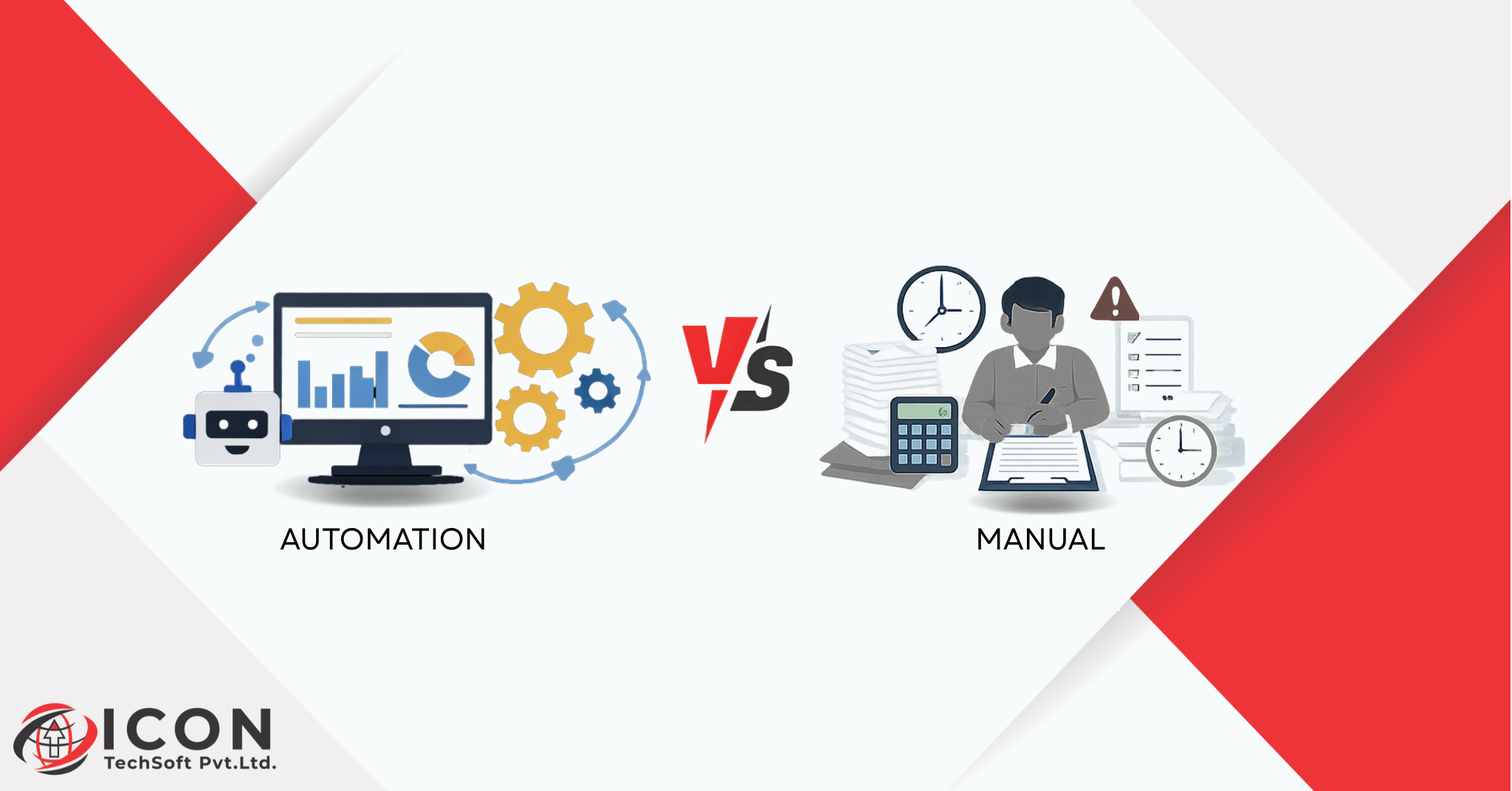
Workflow Automation or Manual?…In the modern business environment, the choice between ERP automation vs manual operations can make or break a company’s success. Manual operations involve handling everyday tasks, by hand, such as manually tracking sales figures on paper, transferring physical checks, or streamlining inventory records in a register. These traditional styles have served businesses for decades, but they frequently lead to backups, wasted time, and frustration. For example, a small retail store proprietor might spend hours each week coordinating cash registers with handwritten logs, only to discover discrepancies later.
Why are businesses shifting to workflow automation? The answer lies in effectiveness and scalability. As markets become more competitive, companies can not go to calculate on slow, error-prone processes. Workflow automation uses software to perform tasks automatically, freeing workers to concentrate on higher-value activities like client service or strategy. This shift is driven by digital transformation, where tools like ERP systems play a central part.
ERP automation, in particular, is transforming how companies operate. Enterprise resource planning systems integrate all business functions into one platform, automating workflows that formerly needed manual intervention. Imagine a script where a client places an order online – ERP automation can immediately update inventory, generate invoices, and notify the shipping team, all without human input. This not only saves time but also reduces costs and improves accuracy.
In this blog, we’ll dive deep into automation vs manual operations, exploring how ERP saves time and why it’s essential for businesses of all sizes. We will cover real example, benefits, and tips to help you understand the value of workflow automation. Whether you are a startup or a growing enterprise, embracing ERP automation can lead to faster growth and better results. Let’s start by understanding the basics.
Workflow automation in ERP is a straightforward concept it’s the use of software to manage and execute business processes automatically, following predefined rules. Unlike manual operations, where someone must remember to check emails or update spreadsheets, workflow automation ensures tasks be on time and rightly. For illustration, in a manufacturing company, workflow automation could automatically reorder raw materials when stock levels drop below a certain point.
How does ERP automation work step by step? It begins with mapping out the process. First, identify the steps involved, such as entering an order, verifying payment, and dispatching the product. Next, set up triggers – like a new order in the system and define actions, such as transferring notification or streamlining databases. The ERP system also executes these steps seamlessly. Tools like Odoo make this easy with visual workflow builders.
The difference between task automation and workflow automation is crucial. Task automation handles single actions, like bus- saving a document. Workflow automation connects multiple tasks into a sequence, ensuring end-to-end efficiency. For example, in enterprise resource planning, it might link deals to inventory to account, creating a smooth inflow.
Benefits include reduced delays and smaller crimes. Businesses using workflow automation report up to 50 faster processing times. This is why ERP automation is a game – changer for business automation.
Manual operations, while familiar, come with significant downsides that can hamper business performance. One major problem is that repetitious tasks consume inordinate time. Employees might spend hours daily on data entry, filing paperwork, or chasing approvals, leaving little time for strategic work. A study by McKinsey shows that workers waste about 20% of their time on unproductive tasks due to manual processes.
Human crimes and data duplication are common issues. When data is entered manually across different spreadsheets, inconsistencies arise. For illustration, a deals team might record a trade in one system, while counting uses another, leading to mismatched reports. This not only causes confusion but can affect in fiscal losses or compliance issues.
Lack of real- time data visibility is another challenge. Manual systems do not provide instant updates, so directors might make opinions grounded on outdated information. Imagine a storehouse running out of stock because no one checked the inventory log in time.
Difficulty in scaling operations exacerbates these problems. As a business grows, manual styles do not scale well. Hiring further staff to handle increased workload raises costs and introduces further crimes. This is why numerous companies turn to workflow automation to overcome these hurdles and achieve better effectiveness.
ERP automation refers to the use of enterprise resource planning software to automate business workflows. Enterprise resource planning is a comprehensive system that manages core functions like finance, human resources, inventory chain, and client relations in one integrated platform. By automating these, ERP eliminates the need for manual handoffs between departments.
How does ERP connect all departments? It uses a participated database, so changes in one area, like a new trade, automatically reflect in others, such as inventory or account. This creates a unified view of the business, reducing silos and perfecting collaboration.
Why does ERP automation save time and resources? It cuts down on repetitious tasks, minimizes crimes, and provides real- time perceptivity. For businesses, this means briskly operations and lower costs. In fact, companies using ERP report an average 30 increase in productivity. Whether for small businesses or large enterprises, ERP automation is pivotal for modern business automation.
The comparison of automation vs manual operations highlights clear advantages for the former. Speed is a primary difference automated processes complete tasks in minutes, while manual people can take days. For illustration, generating a fiscal report manually might involve collecting data from multiple sources, but ERP automation pulls it immediately.
Accuracy and error reduction are superior in automation. manual operations depend on human attention, which can falter, but automated systems follow exact rules, reducing miscalculations by over to 90. This leads to better decision – timber.
Cost effectiveness and productivity ameliorate significantly. Automation lowers labor costs by handling routine work, allowing brigades to concentrate on growth. Scalability is another crucial factor – automated systems acclimatize to increased demand without redundant hires.
In summary, automation vs manual operations shows that automation drives more business growth, making it the smarter choice for long – term success.
ERP systems save time by incorporating workflow automation into diurnal operations. Automated blessings and notification streamline processes, For example, a budget request can be approved automatically if it meets metrics, barring dispatch chains.
Real- time reporting and dashboards offer instant access to data. rather of daily manual reports, directors see live metrics, enabling quick adaptations.
flawless data inflow between departments ensures information moves painlessly. Centralized data prevents duplication and speeds up collaboration.
Faster decision – making results from having all data in one place. With ERP automation, businesses respond to request changes fleetly, saving time and gaining a competitive edge.
Odoo stands out as a leading ERP for business automation. It’s an open-source platform that integrates modules for deals, account, and more. Why is Odoo popular? It’s affordable, with pricing starting at low costs, and largely customizable.
Crucial Odoo modules support workflow automation, including
These modules automate tasks like generating checks or tracking orders, making Odoo ideal for enterprise resource planning. Businesses choose Odoo for its inflexibility and ease of use in achieving workflow automation.
Odoo ERP automation offers practical operations across diligence. In deals and CRM automation, it can nurture leads automatically, transferring follow- ups and quotations. A real illustration A marketing agency used Odoo to automate super eminent scoring, adding transformations by 40.
For account and invoicing, Odoo handles bill generation and payments. A small e-commerce store automated invoicing, reducing crimes and saving 10 hours weekly.
Inventory and inventory chain automation ensures real- time stock updates. A retailer automated reordering, precluding stock outs and perfecting effectiveness.
HR and payroll workflow automation streamlines hiring and pay. A tech startup used Odoo for automated payroll, cutting processing time by half. These cases demonstrate how Odoo supports business automation effectively.
Small businesses frequently struggle with limited resources, making manual operations inviting. Common challenges include managing finances with spreadsheets or tracking inventory manually. ERP automation addresses these by automating tasks.
How does ERP reduce manual workload? It handles invoicing, reporting, and tracking automatically. Odoo is considered the best ERP for small business due to its low cost and scalability. For illustration, a original bakery used Odoo to automate orders, freeing time for baking.
With ERP, small businesses gain perceptivity and effectiveness, helping them contend without high charges.
For growing enterprises, ERP automation delivers multiple advantages. bettered productivity comes from automating workflows, allowing brigades to achieve further.
More collaboration across brigades is eased by participated data. Enhanced client experience results from faster service, like automated order confirmations.
Long- term cost savings include reduced crimes and labor. Enterprises using ERP see ROI within a time, making it essential for sustained growth.
Opting the right ERP requires assessing features like automation tools and integration. Look for stoner-friendly interfaces and strong support.
Pall vs on- premise ERP Cloud options offer inflexibility and lower outspoken costs. Customization and scalability insure the system grows with you.
Consider factors like budget, industry requirements, and reviews. A good ERP, like Odoo, will enhance workflow automation seamlessly.
Enforcing ERP automation can face obstacles. Hand resistance to change is common, address it with training sessions to show benefits.
Data migration issues can do, use migration tools and plan completely. Training and relinquishment challenges can be overcome with step- by- step attendants and support.
results include starting with airman programs and furnishing ongoing backing for smooth transitions.
Switch when manual processes beget inefficiencies. Steps include assessing current workflows, opting an ERP like Odoo, and migrating data.
Stylish practices system staff gradationally, test systems, and cover progress. This ensures a successful shift to workflow automation.
The future of ERP includes AI- driven automation and prophetic analytics. Smart workflows will anticipate issues, like low stock cautions.
Businesses can stay competitive by espousing these trends, especially by lead in enterprise resource planning.
In the debate between ERP automation and manual operations, both approaches have their own strengths. Manual processes offer flexibility, personal control, and are often suitable for small teams or early-stage businesses. On the other hand, ERP automation helps save time, reduce errors, and improve overall efficiency as operations grow. Solutions like Odoo enable structured workflow automation while still allowing businesses to adapt when needed. By combining manual efforts with ERP automation at the right stage, organizations can create a balanced, scalable, and effective operational system that supports long-term growth.