-
Gujarat, India
- info@icontechnology.in
- 24/7 Customer Support
Gujarat, India
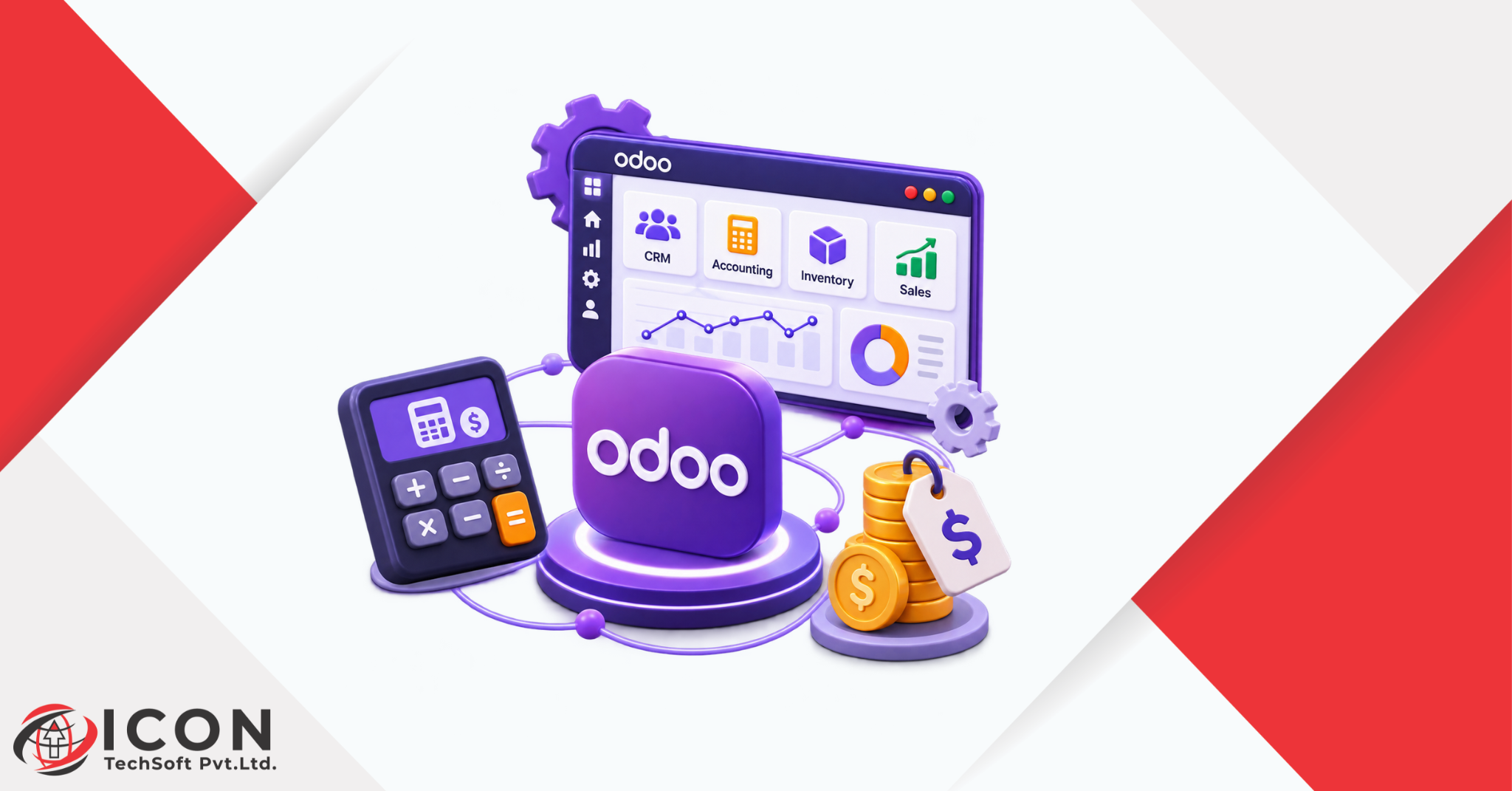
If you are planning to move your business onto one system, one question comes up before almost anything else: how much does Odoo implementation cost? It is a fair question, and the honest answer is that it depends. The Odoo implementation cost for a ten-person trading company looks very different from the cost for a factory with five hundred staff and three warehouses.
Odoo is one of the most popular open-source business platforms in the world. It covers sales, accounting, inventory, manufacturing, HR, e-commerce and much more in one place. Because it is modular, you only pay for what you need. That flexibility is a big plus, but it also makes the budget harder to guess.
This Odoo implementation guide walks you through every part of the budget. You will see what makes up the Odoo ERP cost, how the Odoo ERP implementation cost breaks down, which factors push the price up or down, and how long the work usually takes. You will also find simple tips to lower your Odoo implementation cost without hurting the quality of your setup.
By the end, you should be able to ask a partner the right questions, read a quote with confidence, and set a realistic budget for your own project.
Odoo ERP implementation is the full process of setting up Odoo so it works the way your business works. It is not just installing software. It includes studying your current processes, choosing the right modules, setting them up, moving your old data, testing everything and teaching your team how to use it.
Think of it like moving into a new office. Buying the building is only the first step. You still need to arrange the rooms, move the furniture and show everyone where things are. Odoo ERP implementation is that whole job, and the Odoo implementation cost is the price of doing it properly.
Odoo brings your daily work into one connected platform. When a sales order is confirmed, the stock team sees it, the warehouse prepares it, and accounts raises the invoice. Nobody has to copy data from one sheet to another.
Businesses use Odoo to manage:
Most companies choose Odoo for three reasons. First, it is modular, so you can start small and add apps later. Second, it usually costs less than large ERP brands that charge heavy licence and consulting fees. Third, it is open source, which gives you more freedom to customise it.
This mix of flexibility and value is why so many small and mid-sized businesses look at Odoo first. It also explains why the Odoo ERP cost is such a common search. People want to know if the savings are real before they commit.
So, how much does it cost to implement Odoo ERP? There is no single price, because every project is different. A small business with a few users and standard apps may spend a modest amount. A large company with custom workflows, many integrations and several countries can spend many times more.
The table below gives rough planning ranges. These are approximate figures based on common market patterns, and real quotes vary by country, partner and project scope. Use them as a starting point, not a final price.
| Business size | Typical scope | Approximate implementation cost (USD) |
| Small business | 5 to 20 users, 2 to 4 standard apps | 5,000 to 15,000 |
| Medium business | 20 to 100 users, 5 to 10 apps, some customisation | 15,000 to 60,000 |
| Large business | 100+ users, many apps, integrations, custom modules | 60,000 and above |
Remember that these numbers cover the project work, such as setup, data migration and training. Software subscriptions are usually a separate line in your Odoo implementation pricing.
Odoo comes in two editions. Community is free to download and use, so you pay no licence fee. Enterprise is a paid subscription, usually charged per user, and it adds extra features and official support.
Community can lower the starting Odoo implementation cost, but you may need more development work to fill feature gaps. Enterprise has a recurring fee, but it includes more ready-made tools. We compare both editions in detail later in this guide.
Four things shape the final Odoo ERP cost more than anything else: the number of users, the apps you choose, how much customisation you need, and the partner you work with. The next section explains each of these, along with the smaller factors that quietly add to the bill.
If you want to control your Odoo implementation cost, you first need to know what drives it. Here are the main factors.
More users usually means a higher subscription bill and more training time. But the bigger driver is complexity. A company with simple sales and billing needs will pay far less than one with multi-step approvals, several warehouses and different tax rules.
Every app you add means more setup, testing and training. Starting with CRM, Sales and Invoicing is much cheaper than launching with Manufacturing, Quality, Payroll and Website all at once.
Odoo works well out of the box for many businesses. The moment you ask for custom fields, new reports, special workflows or fully custom modules, the Odoo implementation pricing goes up. Custom work is billed by developer hours, so it can grow fast if the scope is not clear.
Moving customer lists, product catalogues, stock levels and old invoices takes planning. Clean data is quick to import. Messy data with duplicates and missing fields needs cleaning first. Connecting Odoo to payment gateways, courier services, banks or other software adds integration cost.
Partners charge in different ways. Some use fixed prices, some charge by the hour, and some bundle everything into packages. Rates also change by region. An experienced partner may charge more per hour but finish faster and avoid costly mistakes.
The project does not end on go-live day. Your team needs training, and you will need support for questions, bug fixes and updates. These are smaller costs, but leaving them out of the budget is a common reason projects run over.
A clear Odoo ERP implementation cost breakdown helps you compare quotes line by line. Most projects include the six areas below.
| Cost area | What it covers | Impact on budget |
| Licensing and subscription | Enterprise per-user fees or hosting | Recurring, medium |
| Implementation and configuration | Setup, workflows, user roles | High |
| Customisation and development | Custom modules, reports, fields | Can be very high |
| Third-party integration | Payment, shipping, banking, other apps | Medium |
| Data migration | Cleaning and importing old records | Low to medium |
| Training and support | Staff sessions, help desk, updates | Low to medium, ongoing |
With Community, there is no licence fee, but you still pay for hosting. With Enterprise, you pay a subscription per user, usually monthly or yearly. Odoo updates its plans from time to time, so always check the official pricing page for current numbers before you build a budget.
This is the largest part of most projects. It covers workshops with your team, system setup, user roles, approval flows, tax rules, email templates and more. The more standard your processes are, the lower this cost.
Custom work can be small, like adding a field to a form, or large, like building a new module from scratch. Ask your partner to price each custom item separately so you can decide what is truly needed.
Integrations connect Odoo with the tools you already use. Common examples are payment gateways, shipping carriers, banks, e-commerce platforms and biometric attendance devices. Each connection needs development, testing and sometimes extra subscription fees from the other tool.
Data migration means moving your records from old systems or spreadsheets into Odoo. The cost depends on how much data you have and how clean it is. A tidy product list imports in minutes. Ten years of mixed accounting data takes real effort.
Training can be done in group sessions, one-to-one sessions or through recorded videos. After go-live, many businesses sign a support plan for a fixed monthly or yearly fee. This covers bug fixes, small changes and help from experts when something goes wrong.
Knowing the process makes the Odoo implementation cost easier to understand, because each step takes time and effort. Here is how a typical project runs.
Everything starts with a conversation. Your partner studies how you sell, buy, store, produce and report today. The goal is to find what works, what is slow and what you want to fix. A well-written requirement list saves a lot of money later.
Next, decide between Community and Enterprise. Think about the features you need, the support you expect and how much you want to depend on custom development.
Pick the apps that match your needs. Be honest about what is a must-have and what is nice to have. Nice-to-have apps can wait for a second phase.
Now the system is set up. This includes companies, users, products, price lists, taxes, workflows and reports. Customisation happens here, but only where standard Odoo cannot meet the need.
Your old data is cleaned, mapped to Odoo fields and imported. Test imports are done first, so mistakes are caught before real records are touched.
Your team tests real scenarios, such as creating a quote, receiving stock and posting an invoice. Any problem is logged and fixed. Skipping this step is risky, because bugs found after launch cost more to repair.
Finally, staff are trained and the system goes live. Many partners suggest a short period of close support right after launch. This is when small questions pop up, and quick answers keep the team confident.
Time and money go together. The longer a project runs, the higher the Odoo implementation cost, because consultants and developers bill for their hours. A shorter, well-planned project is almost always cheaper.
The main drivers are the number of apps, the amount of custom work, the size of your data and how quickly your team gives feedback. A slow approval cycle on your side can stretch a project by weeks.
The table below shows common ranges. Treat them as estimates, since each project is different.
| Business size | Typical timeline |
| Small business | 1 to 3 months |
| Medium business | 3 to 6 months |
| Large business | 6 to 12 months or more |
Most of these can be avoided with a clear plan and one person on your team who owns the project.
This choice has a direct effect on your Odoo ERP cost, so it deserves a careful look.
| Point | Community | Enterprise |
| Licence fee | Free | Paid per user |
| Core apps | Sales, CRM, Inventory, Invoicing and more | All core apps plus extra features |
| Advanced features | Limited, often built by developers | Many included, such as studio tools and advanced accounting |
| Official support | Community forums | Official Odoo support and upgrades |
| Hosting | Self-hosted | Odoo Online, Odoo.sh or self-hosted |
Community looks cheaper on paper, but missing features may need custom development. That work can cost more than a few years of subscriptions. Enterprise has a clear monthly or yearly fee, but it saves development time and gives you access to official upgrades and support.
Choose Community if you have simple needs, a technical team and a tight budget. Choose Enterprise if you want a faster setup, advanced accounting, richer features and the safety of official support. If you are unsure, ask your partner to price both options for your exact needs. Comparing two real numbers is better than guessing.
You cannot control every part of the budget, but you can control a lot. These steps help most businesses lower their Odoo implementation cost without losing quality.
Launch with the apps that solve your biggest problems first. You can add more later once the team is comfortable. A phased rollout spreads the cost and reduces risk.
Before asking for custom work, check if standard Odoo can do the job with a small change in your process. Many companies find that the default workflow is good enough, and sometimes better than what they had.
Clean your data before the project starts. Remove duplicates, fix wrong entries and archive old records you no longer need. Less data and better data mean lower migration cost.
The cheapest quote is not always the best. Look at the partner’s experience in your industry, ask for case studies and speak to past clients. A good partner will tell you what you do not need, which saves money.
Trained staff make fewer mistakes and ask for less paid support. Good training at the start often reduces your Odoo implementation pricing over the long run.
Many budget overruns come from avoidable mistakes. Watch out for these when planning your Odoo ERP implementation.
If you cannot explain what you need, the partner has to guess. Guessing leads to rework, and rework adds to the Odoo implementation cost. Write down your goals, your pain points and your must-have features before the first workshop.
It is tempting to switch on every app because they are all available. But each unused module adds setup, training and confusion. Keep the first phase focused.
A perfectly configured system fails if people do not know how to use it. Staff go back to spreadsheets, data becomes unreliable and the investment is wasted.
Importing messy data into a new system only moves the mess. Wrong stock numbers or duplicate customers cause errors in orders and invoices from day one.
A setup that fits you today may not fit you in two years. Think about new branches, more users and new products. Choose a structure that can grow, so you do not pay for a rebuild later.
Some companies try to set up Odoo on their own to save money. This can work for very small setups, but for most businesses a professional partner is a smarter use of the Odoo implementation cost. Here is what a good partner brings.
A partner asks the right questions and spots gaps you may not see. This early work shapes the whole project.
Experienced consultants know which settings to use and when custom work is truly needed. They also know the common traps and can steer you around them.
Partners have tested methods for cleaning, mapping and importing data, and for connecting Odoo to other tools safely.
Good partners train your team in simple language and stay available after go-live to answer questions.
Odoo releases new versions regularly. A partner can handle upgrades, fix issues and add new features as your business grows.
After looking at the numbers, the next question is whether the Odoo implementation cost pays off. For most growing businesses, the answer is yes, as long as the project is planned well.
When teams stop switching between tools and spreadsheets, they save hours every week. Orders move faster, stock is more accurate and invoices go out on time. These small gains add up across a year.
Sales, purchase, inventory, accounting, HR and e-commerce all share the same data in Odoo. That means fewer separate subscriptions, fewer integrations to maintain and less confusion about which number is correct.
Odoo is built to grow with you. You can add users, apps and companies over time without starting again. Spread across several years, a well-run Odoo implementation often costs less than the hidden cost of running disconnected systems.
The Odoo implementation cost depends on your users, your modules, your level of customisation and the partner you choose. Small projects can be affordable, while complex ones need a larger budget and a longer timeline. The key is to plan carefully, start with what matters most and ask for a clear cost breakdown. If you follow the steps in this Odoo implementation guide, you can keep your Odoo ERP implementation on budget and get real value from your investment.
How much does Odoo implementation cost?
The cost depends on your size and needs. As a rough guide, small businesses may spend around 5,000 to 15,000 USD, medium businesses 15,000 to 60,000 USD, and large businesses more than that. Always get a written quote based on your own requirements.
Is Odoo ERP free to implement?
Odoo Community has no licence fee, but implementation is not free. You still pay for setup, hosting, data migration, training and any custom work, unless your own team does it.
What is the difference between Odoo Community and Enterprise?
Community is free and open source with core features. Enterprise is a paid subscription with extra features, official support and upgrade services.
How long does Odoo implementation take?
Small projects often take one to three months, medium ones three to six months, and large projects six months to a year or more.
Can Odoo be customized according to business needs?
Yes. Odoo can be customized with new fields, reports, workflows and full custom modules. Keep customization limited to what you truly need, since it raises the Odoo implementation cost.
Do I need an Odoo implementation partner?
Not always, but most businesses benefit from one. A partner saves time, avoids common mistakes and provides training and support.
Does Odoo charge separately for implementation?
Yes. Subscription fees and implementation services are usually separate. The subscription covers the software, while implementation covers the setup work done by you or a partner.
What are the ongoing costs after Odoo implementation?
Ongoing costs usually include Enterprise subscriptions or hosting, support plans, upgrades, small changes and extra training for new staff.