-
Gujarat, India
- info@icontechnology.in
- 24/7 Customer Support
Gujarat, India
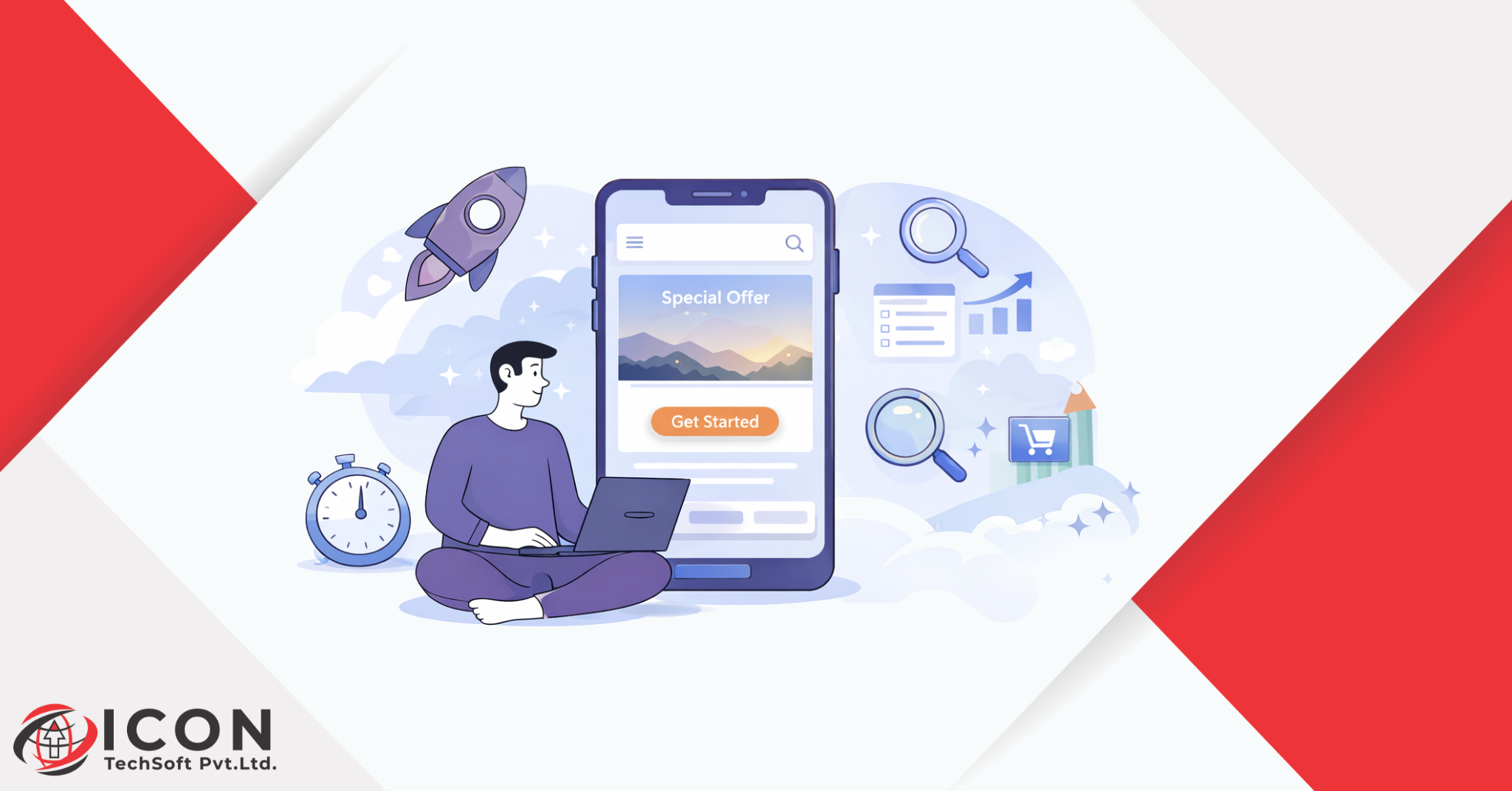
UI/UX Design plays a crucial role in the modern digital world, where your website or app is often the first “handshake” you have with a customer. Today, the digital marketplace is more crowded than ever. Because there are so many options, the human attention span has shrunk significantly – some studies suggest we have less than eight seconds to grab a visitor’s interest. This is where UI/UX Design becomes the most important tool in your business kit.
We live in an age of information overload. Users are bombarded with notifications, ads, and content. If a website feels confusing or looks outdated, they won’t struggle to figure it out, they will simply click away. High-quality UI UX Design acts as a filter, removing noise and showing the user exactly what they need to see.
A first impression is formed in milliseconds. Before a user reads a single word of your copy, they “feel” your brand through the layout, colors, and ease of use. If the design is polished, they stay. If it is messy, they leave. This immediate reaction is the starting point for user engagement.
Design is no longer just about making things look “pretty.” It is a business strategy. Strategic UI UX Design helps companies reduce bounce rate and increase conversions by guiding users through a logical path. When you invest in how a user feels and interacts with your product, you are investing in the long-term growth of your brand.
To understand how UI/UX design increases user engagement, we must first define the two components. Though they are often used together, they represent different parts of the creative process.
UI focuses on the “look and feel.” It includes the buttons, icons, spacing, fonts, and color schemes. Think of UI as the skin and clothes of a product. A good UI makes a website visually appealing and easy to look at.
UX is the “how it works” part. It covers the logic, the navigation, and the overall feeling a person has while using the site. If UI is the skin, UX is the skeleton and the nervous system. UX design is about solving problems and making a journey as smooth as possible to increase conversions.
A beautiful website (good UI) that is hard to navigate (poor UX) will frustrate users. Similarly, a very functional site (good UX) that looks ugly (poor UI) might not be trusted. Excellent UI UX Design requires a perfect balance of both to ensure high user retention.
When a visitor lands on your page, a “timer” starts. You have a very small window to prove that you are worth their time.
Psychological research shows that users decide whether to stay on a site within the first few seconds. This is why UI UX Design is so critical. If the page takes too long to load or looks chaotic, the user will leave, which increases your bounce rate.
The “Hero Section” is the first thing a user sees without scrolling. It should contain:
By optimizing this section, you immediately start the process of user engagement.
Clarity beats cleverness every time. If a user has to “think” too hard to understand what you do, you’ve lost them. Use UI UX Design to create a visual path that leads the eye toward the most important information first.
A “bounce” happens when someone visits one page and leaves without clicking anything else. High bounce rates are usually a sign that something is wrong with the design or the message. Let’s look at how to reduce bounce rate with UX design.
If your menu is a maze, users will give up. Simple, labeled navigation helps users find what they want quickly. A “search” bar that actually works is also a massive part of effective UI UX Design.
Design isn’t just about images; it’s about performance. Heavy images or unoptimized code slow down a site. A one-second delay in load time can lead to a huge drop in user engagement. Part of good UX is ensuring the technical side of the design is lean and fast.
Most people browse the web on their phones. If your UI UX Design doesn’t work perfectly on a mobile screen, your bounce rate will skyrocket. Responsive design ensures that elements resize and shift to fit any screen size, keeping the experience consistent.
Too many pop-ups, auto-playing videos, and flashing banners drive people away. A clean, “breathable” layout with plenty of white space allows the user to focus on your content. This is a fundamental way to reduce bounce rate.
Once you’ve captured their attention, the next goal is to keep them moving through your site. This is the essence of user engagement.
Visual hierarchy is the arrangement of elements in a way that implies importance. By using different sizes, colors, and placements, UI UX Design tells the user: “Look at this first, then this, then that.” This flow keeps the user moving naturally from one section to the next.
A user journey is the path a person takes from landing on your site to making a purchase. Effective UX design maps this out. If they finish a blog post, give them a “Related Articles” section. If they look at a product, show them “Frequently Bought Together” items. This strategy is key to how UI/UX design increases user engagement.
Microinteractions are small design moments that reward the user. Think of the “heart” animation when you like a post on Instagram or a progress bar that fills up as you finish a form. These small touches make the UI UX Design feel “alive” and responsive, which encourages people to stay longer.
Modern design often uses data to show users what they like. Whether it’s “Welcome back, [Name]” or showing products based on past views, personalization is a powerful way to boost user engagement and build a connection.
Getting a user to visit once is good, getting them to come back is better. User retention is the lifeblood of sustainable business growth.
Cognitive load refers to the amount of mental effort it takes to use your site. If the UI UX Design is too complex, the brain gets tired and wants to quit. Good design “thinks” for the user, making choices easy and actions obvious.
Colors trigger emotions. Blue often builds trust, red can create urgency, and green is associated with health or success. Choosing the right color palette in your UI UX Design can subconsciously influence how long a user stays and how they perceive your brand.
People are more likely to stay and buy if they see that others have done the same. Integrating reviews, testimonials, and “as seen in” logos into the design builds credibility. This is a vital part of user retention.
We are emotional creatures. If a design makes us feel happy, safe, or excited, we are more likely to return. Using friendly language, relatable imagery, and a smooth interface creates a positive emotional bond between the user and the brand.
Good UI UX Design must be inclusive and functional for everyone, regardless of their device or physical ability.
Google now measures “Core Web Vitals”- metrics like how fast elements appear and how stable the page looks while loading. High scores here lead to better search rankings and higher user engagement.
Designing for accessibility means ensuring that people with visual, hearing, or motor impairments can use your site. This includes high color contrast, text alternatives for images (Alt Text), and keyboard-friendly navigation. Not only is this ethical, but it also expands your reach and improves user retention.
A user might start their journey on a phone and finish it on a laptop. If the UI UX Design feels completely different on each device, they will get confused. Consistency builds familiarity and trust.
You never truly know how a user feels until you test it. Usability testing involves watching real people interact with your design. This feedback is essential to reduce bounce rate and fix “pain points” that you might have missed.
The ultimate goal of most websites is to increase conversions. This is where strategic design pays for itself.
A CTA is a button like “Buy Now” or “Sign Up.” These shouldn’t be hidden. UI UX Design uses size, color contrast, and white space to make CTAs stand out. Knowing how UI/UX design improves website conversions often comes down to putting the right button in the right place at the right time.
Forms are often where users quit. If a form has 20 fields, people won’t fill it out. UX design simplifies this by only asking for essential information and using “auto-fill” features. Reducing “friction” is the fastest way to increase conversions.
The fewer clicks it takes to buy, the better. A “guest checkout” option or a one-page checkout process can drastically improve your bottom line. This is a core principle of conversion-focused UI UX Design.
Every element on a sales page should lead to the conversion. By removing unnecessary links or distracting sidebars, you keep the user’s focus on the final goal. This is exactly how UI/UX design improves website conversions.
You shouldn’t guess what your users want; you should look at the data. Continuous improvement is key to high user retention.
Tools like heatmaps show you exactly where users are clicking and how far they are scrolling. If people are clicking on an image that isn’t a link, your UI UX Design might need to be adjusted to meet their expectations.
A/B testing is when you show two versions of a page to different users to see which one performs better. Maybe a green button works better than a red one. This data – driven approach is how top companies increase conversions over time.
By looking at “exit pages” in your analytics, you can see where users are leaving. If 80% of people leave on the shipping page, you know that the UX of that specific page needs work to reduce bounce rate.
Design is never “finished.” As technology and user habits change, your UI UX Design must evolve. Regular updates based on user feedback ensure that your user engagement stays high year after year.
Even professionals make mistakes. Recognizing these can help you reduce bounce rate immediately.
Trying to show everything at once results in showing nothing. A cluttered design overwhelms the user and leads to a quick exit. In UI UX Design, less is often more.
If a user has to “hunt” for the contact page or the price list, they will leave. Navigation should be predictable. Don’t try to be too “creative” with the menu, stay with what people know.
If users have to “pinch and zoom” to read your text on a phone, your UI UX Design has failed. A poor mobile experience is the number one enemy of user retention.
We mentioned it before, but it bears repeating: speed is a design feature. A beautiful site that is slow is a bad site. Optimization is part of the UI UX Design process.
Why should a business invest in professional design? Because the Return on Investment (ROI) is massive.
When a site is easy and fun to use, people stay longer. Higher session times lead to better brand awareness and more opportunities for user engagement.
A professional-looking site makes your business look legitimate. If you care about your UI UX Design, customers feel you will also care about your product and their satisfaction.
The most direct impact is on your sales. Small changes in UX can lead to double – digit increases in sales. Knowing how UI/UX design improves website conversions is essential for any digital marketer or business owner.
Stronger Brand Positioning In a sea of competitors, a unique and user – friendly design sets you apart. It makes your brand memorable, which is a huge factor in user retention.
In conclusion, UI UX Design is not just about aesthetics, it is a fundamental pillar of digital business. By focusing on how users interact with your platform, you can significantly reduce bounce rate, foster deep user engagement, and ultimately increase conversions.
From the first second a user lands on your page to the moment they complete a purchase, every pixel and every interaction matters. By reducing cognitive load, building trust, and using data to make informed decisions, you create a digital environment where people want to stay, explore, and return.
Investing in your design is investing in your customers. When you make their journey easy and enjoyable, they reward you with their loyalty and their business. Start looking at your website through the eyes of your users today, and you will see the transformative power of great UI UX Design.