-
Gujarat, India
- info@icontechnology.in
- 24/7 Customer Support
Gujarat, India
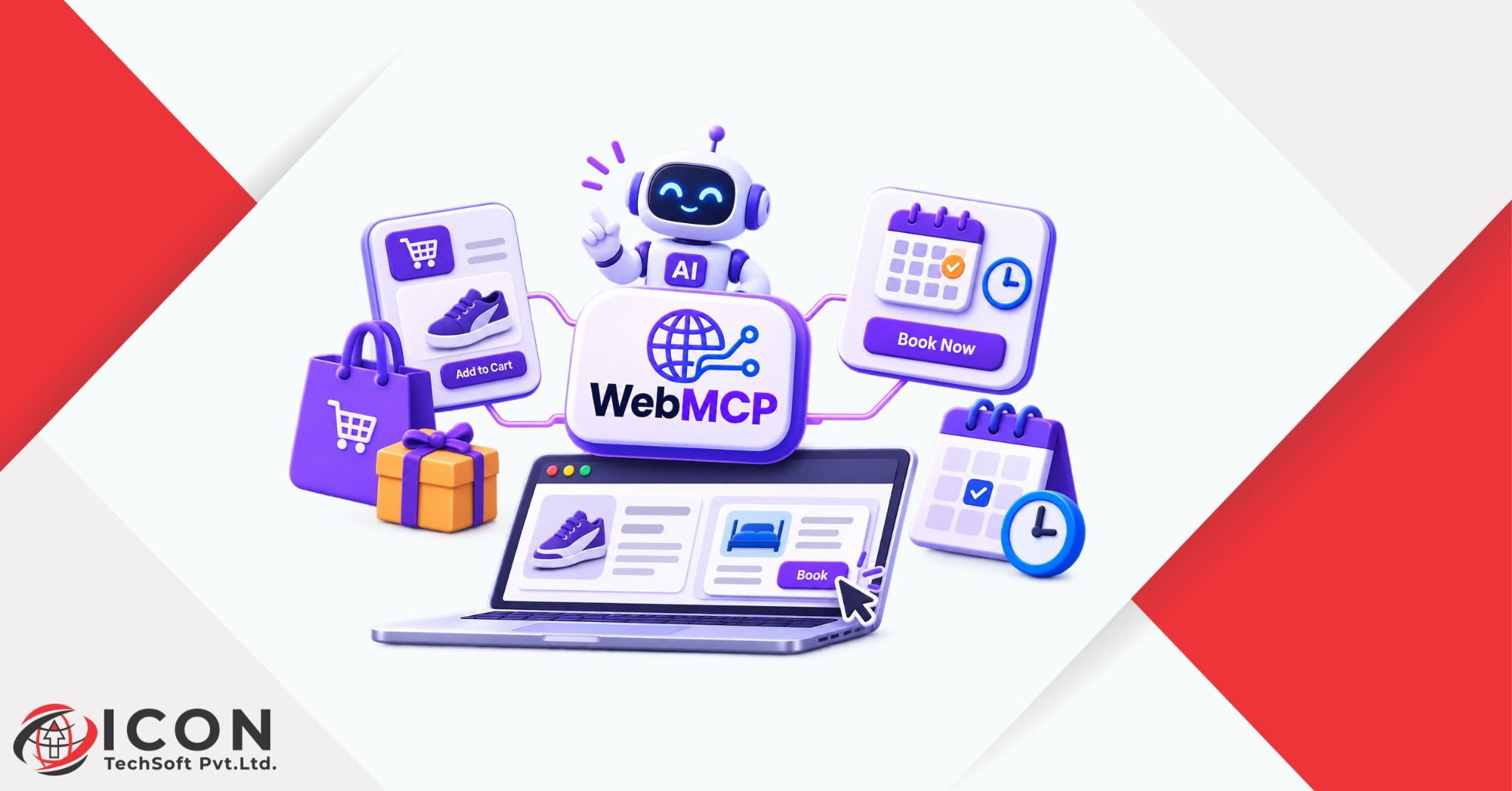
WebMCP is a new way for a website to tell AI agents exactly what it can do. Instead of making an agent guess which button to press, a site that supports WebMCP lists its actions in a clear, structured way. Think of actions like search for a product, add to cart or book a table. The agent reads that list and calls the action directly.
This matters because more people now ask AI assistants to do things for them, not just answer questions. They want the assistant to compare prices, fill a form or book an appointment. Today, most AI agents for websites do this by looking at screenshots or reading raw page code, and that often fails. WebMCP is a proposal backed by Google and Microsoft engineers to fix this problem inside the browser, and it borrows ideas from the Model Context Protocol.
In this guide, you will learn what WebMCP is, how it works, how it differs from MCP, how to try WebMCP in Chrome and how to get your site ready for agentic commerce.
WebMCP, short for Web Model Context Protocol, is a proposed browser standard. It lets a website share a list of tools with an AI agent. Each tool is a clear action, such as searching a catalog, adding an item to a cart or submitting a booking form. The agent does not have to guess. It reads the tool list, picks the right tool and runs it.
WebMCP is a menu of actions that your website hands to an AI agent, so the agent can use your site the way you intended.
The idea is simple, but the change is big. Websites were built for human eyes and human fingers. WebMCP gives them a second front door built for machines, and the door opens only when the page is open in the browser.
In February 2026, the Chrome team announced an early preview of WebMCP. Developers could test it in Chrome 146 Canary behind a flag. Around the same time, a draft report for WebMCP was published by the W3C Web Machine Learning Community Group, with editors from both Microsoft and Google.
That mix of names is the reason people care. When two browser makers work on the same idea, other developers listen. WebMCP is still an early proposal and not an official web standard yet. But it shows where the web is heading: a web where AI agents for websites are treated as real visitors, not as a problem to block.
To see why WebMCP is needed, look at how AI agents work on the web right now. Most agents have to behave like a very patient human who has never seen your site before. They load the page, look at it and try to work out what to click.
There are two common methods. The first is screenshot reading. The agent takes a picture of the page, then uses a vision model to find buttons, fields and prices. The second is HTML parsing. The agent reads the page code, the DOM, and tries to match labels with fields.
Both methods work on simple pages. Both also share the same weakness. The agent is guessing what the page means from how it looks. If a button says “Go” instead of “Search”, or a pop-up covers the form, the guess can fail.
The trouble grows when the task has many steps. A booking flow may need dates, guest counts, room types and payment details, spread over several screens. A single wrong click can undo the whole flow. Here are the usual problems:
For a business, this means lost orders. If an agent cannot finish checkout on your site, it will finish it on a competitor’s site.
People already use assistants to plan trips and compare products. Soon they will expect the assistant to complete the task as well. That makes AI agents for websites a new kind of visitor, one that does not browse for fun and wants a fast, reliable result. WebMCP is built for exactly this kind of visitor.
So, what is WebMCP and how does it work in practice? The short version is this: your page tells the browser which actions it offers, and the browser passes that list to the AI agent. The agent then calls those actions directly. Nobody has to click through the screen.
Each WebMCP tool has a few simple parts:
The browser sits in the middle. It exposes the tools through a new browser feature called navigator.modelContext. Because the agent talks to the browser and not to a remote server, the call is fast. It also runs inside the user’s own session, so the page already knows who is logged in and what is in their cart.
WebMCP gives developers two ways to publish tools. The first is the imperative way. A developer writes a short piece of JavaScript and registers a tool with the browser. This is best for custom actions, like applying a coupon or checking stock for a size.
The second is the declarative way. Here the developer adds small annotations to an existing HTML form, and the form turns into a tool. This is a gentle starting point for sites that already have clean forms for search, contact or booking.
Imagine a shoe store. The developer registers a tool called search_shoes. It accepts a size, a colour and a maximum price. When a user asks their AI assistant to find black running shoes under 80 dollars in size 9, the agent calls search_shoes with those values. The page runs its normal search code and returns real results. The agent then reads them and shows the options.
A hotel site works the same way. A tool called check_availability takes a check-in date, a check-out date and a guest count. Another tool called book_room completes the booking after the user confirms. The agent never has to find a date picker.
WebMCP borrows its name and its main idea from the Model Context Protocol, so a quick refresher helps. If you already know MCP well, feel free to skip ahead.
The Model Context Protocol, usually called MCP, is an open standard that connects AI models to outside tools and data. Before MCP, every AI app needed its own custom code to talk to every service. MCP gives them one shared language. A company builds an MCP server once, and any compatible AI app can use it.
An MCP server can offer three kinds of things: tools that perform actions, resources that supply data and prompts that guide the model. The messages usually travel as JSON-RPC, and developers build servers with SDKs in languages such as Python, TypeScript and Rust.
MCP is now common in places where AI needs real context. Coding assistants use it to read files and run commands. Chat assistants use it to reach calendars, documents and databases. Businesses use it to let an AI agent look up orders, update records or file support tickets in their back-end systems.
The key point is that MCP lives on a server. It is always on, and it works no matter which website the user has open. That sets the stage for the next question, which many developers ask first: how does it compare with WebMCP?
The difference between WebMCP and MCP comes down to one question: where does the action live? With MCP, it lives on a server. With WebMCP, it lives inside a web page. Many people see the matching names and assume WebMCP vs MCP is a fight. It is not.
MCP connects an AI agent to your back-end systems, such as your database, your order system or your booking engine. WebMCP connects an agent to the live page the user is looking at. It uses the page’s own JavaScript, the user’s current session and the data already on screen. WebMCP is also narrower in scope. It focuses on tools, and it leaves out server-side ideas like resources.
Chrome’s own guidance uses a helpful picture. MCP is like a company call centre that is open at any hour, on any platform. WebMCP is like an in-store expert who is only there while the customer is standing in the shop. When the user closes the tab or moves to another page, the WebMCP tools disappear.
The best setup uses both. Your MCP server handles the core business logic, so agents can reach your service even when no browser is open. WebMCP then adds a smooth experience on the website itself, using the page the shopper already sees. Chrome’s team describes the two as partners, not opponents.
This table shows the difference between WebMCP and MCP at a glance.
| Point | MCP | WebMCP |
|---|---|---|
| What it is | A protocol that connects agents to back-end systems | A browser API that lets a web page offer tools to agents |
| Where tools live | On a server | In the web page |
| When tools are available | Any time the server is running | Only while the page is open |
| Who can call the tools | Any MCP client | An agent with access to the rendered page, such as a browser agent |
| Where the code runs | On the server | In the page’s JavaScript |
| User session | Needs its own login handling | Uses the user’s live session in the browser |
| Best for | Background tasks and API actions | Guided steps on a live website |
Agentic commerce is shopping and buying done by an AI agent on behalf of a person. The person gives a goal, and the agent does the legwork. It searches, compares, fills forms and, with the person’s approval, completes the purchase or booking.
Today, a shopper may open ten tabs to pick a pair of headphones. In an agentic commerce flow, the shopper says, “Find me wireless headphones under 100 dollars with good battery life.” The agent visits several stores, reads the details and returns a short list. If the shopper says yes, the agent adds the item to the cart and takes them to the final confirmation step.
The shopper still stays in control. Good agentic commerce keeps a human in the loop for important steps like payment, and WebMCP is designed with this in mind.
For stores, the first screen a customer sees may no longer be your homepage. It may be the agent’s answer. If your site is hard for agents to use, you may never make that list. If your site offers clean tools through WebMCP, an agent can read your prices, stock and options without confusion.
Service businesses face the same shift. Salons, clinics, restaurants, tutors and agencies all depend on bookings and enquiries. An agent that can check open slots and send a booking request in seconds will favour the business that makes this easy. Agentic commerce rewards sites that are clear, fast and honest about what they offer.
Let us walk through what this looks like in real life. These are examples of how AI agents interact with websites once those sites offer WebMCP tools. The exact tools will depend on each business, but the pattern is the same.
A shopper asks an agent for a gift under 50 dollars. The agent calls a search tool on your store with the budget and category. It reads the results, calls a details tool for the best matches and compares them. When the shopper picks one, the agent calls an add to cart tool. At checkout, the page asks the shopper to confirm the order and the payment. The agent does the boring parts, and the shopper makes the final call.
Travel sites have some of the most painful forms on the web. Dates, rooms, guests, add-ons and policies all sit in separate steps. With WebMCP, a hotel or tour site can offer one tool to check availability and another to hold a booking. An agent can then compare three hotels in a few seconds and bring back the answer, instead of fighting with three different date pickers.
A dentist, a salon or a home repair company can expose tools such as list_open_slots, request_appointment and request_quote. The user might say, “Book me a haircut on Saturday morning.” The agent checks the open slots, picks one that fits and asks the user to confirm. The business gets a clean, complete booking with no missing fields.
Business buyers repeat the same tasks all the time. They reorder supplies, ask for quotes and raise support tickets. A B2B site can offer tools to build a shopping list from past orders, request a quote for a bulk order or open a ticket with the right details attached. For IT service firms, software vendors and wholesalers, this can save hours each week and cut errors.
Online stores may gain the most from WebMCP for ecommerce websites, because shopping is full of small, repeated actions. Each of those actions can become a tool. Here is where most stores would start.
The first tools to build are the ones shoppers use most:
Keep every tool small and focused. One tool should do one job, and its name and description should say plainly what that job is. Clear names help the agent choose the right tool the first time.
After the sale, customers still need help. Tools for order status, delivery updates and return requests can take a lot of pressure off your support team. An agent can ask for the order number, call the tracking tool and tell the customer where the parcel is. For returns, it can start the request, show the return rules and let the customer confirm.
WebMCP works at the page level, so it can fit many platforms. A Shopify theme, a WooCommerce store, a Magento shop or a custom build can all register tools in JavaScript. Some open-source helper libraries already try to turn existing forms into WebMCP tools with a small script, which suggests that simple forms may be the easiest place to begin.
When you talk to your developer, ask these questions:
The last question matters. A site should always work for normal visitors, with or without WebMCP.
WebMCP Chrome support is the part developers ask about most. The honest answer is that WebMCP is still experimental, so you will not find a simple on switch in normal Chrome settings. You enable it for testing, and the steps can change as Chrome updates. Always check the Chrome for Developers documentation for the latest details.
The Chrome team opened the early preview in February 2026, starting with Chrome 146 Canary. Since then, Chrome’s documentation has moved on to an intent to experiment, and testing guides describe an origin trial in newer Chrome versions, around Chrome 149 and above. An origin trial lets a site try an experimental feature with real visitors by using a special token. Testing guides describe it as a Chromium-only trial, so treat WebMCP as Chromium-first for now.
Here is how to enable WebMCP in Chrome on your own computer so you can test it:
If you want real visitors to try your tools, look into the origin trial in the Chrome docs rather than asking everyone to change flags.
You need a way to see what your page has registered. These options help:
Test the way a stranger would. Ask a simple question, watch which tool the agent picks and check the result. If the agent picks the wrong tool, the name or description is probably too vague.
You do not need to wait for WebMCP to be final before you start. Most of the work that makes a site ready for AI agents also makes it better for people. Here is how to make your website ready for AI agents, step by step.
Start with your forms and your page structure. Use real HTML form elements, not custom boxes that only look like forms. Give every field a proper label. Use clear button text, like “Search products” or “Request a quote”, instead of “Go” or an icon alone. Keep navigation simple, so both people and agents can find key pages in a few steps.
Add structured data, such as schema markup, for products, prices, reviews, events and business details. This helps search engines and AI systems read your content with less guessing. Then list the main actions on your site: search, filter, add to cart, book, enquire, track and return. These actions are your future WebMCP tools.
Agents lose patience just like people do. Slow pages, layout jumps and pop-ups that cover the form all cause failures. Fix your page speed, keep layouts steady and make sure cookie banners and chat widgets never block key buttons.
Decide what an agent may do without asking and what always needs a human. Reading prices and stock is low risk. Placing an order, changing an address or cancelling a booking is not. Keep these rules in place:
Why should a business care about WebMCP today? Because the benefits are practical, and most of them are about trust and control.
When your site offers clear tools, the agent no longer has to guess. Fewer wrong clicks mean fewer failed carts and fewer half-finished bookings. The calls also run inside the browser, so there is no extra trip to a remote server, which keeps things quick. Tools are tied to your app’s logic and not to your design, so you can redesign the site later without breaking how agents use it.
With screen scraping, the agent decides what to do. With WebMCP, you decide which actions are offered, what input they accept and what they return. You can keep risky actions out of the list or put them behind a confirmation step. That is a much safer position than hoping an agent behaves well on a page that was never built for it.
As agentic commerce grows, agents will become another way customers reach you, next to search, social media and ads. A site that is easy for agents to use has a better chance of being picked, compared and completed. For lead generation sites, clean enquiry and quote tools mean complete leads with fewer missing details.
There is also a learning benefit. Teams that start early learn which actions matter most, how users react and where agents get stuck. That knowledge is hard to build in a hurry later.
WebMCP is exciting, but it is not ready for a big rollout. Knowing the limits will save you time and money.
The WebMCP draft is a Community Group report, not an official W3C standard. Chrome’s own documentation says the proposal is under active discussion and may change. Names, methods and details could shift before anything becomes stable. Code you write today may need updates later.
Support is limited right now. WebMCP is available through Chrome flags and trials, and it is not part of normal Chrome for everyone. Most visitors will not have it, so your site must keep working in the usual way.
Security is the other big topic. Any system that lets an agent take actions needs strong guardrails. Think about prompt injection, where hidden text on a page tries to trick an agent, and about agents acting on a user’s logged-in account. Your tools should validate every input, limit what they return and ask for human approval on important steps.
For most businesses, the smart move is not to rush a full build. It is to prepare. Clean up your forms, add structured data, list your key actions and run a small test in a safe environment. When Chrome support becomes stable, you will be ready to move quickly, and you will not have wasted money on code that had to be rewritten.
At Icon TechSoft, we help international B2B and ecommerce brands build websites that are fast, clear and ready for what comes next. You do not need to be an AI expert to get ready for WebMCP. You need a solid website and a clear list of the actions your customers take.
Our web development and UI/UX design teams can review your site with agents in mind. We look at forms, navigation, page speed and structured data, and we mark the actions that are good candidates for future WebMCP tools. For online stores, we map the full path from search to checkout and suggest where clear tools would help most.
Many of our clients run their business on Odoo ERP and CRM. Orders, stock, quotes, tickets and customer records already live there. That makes Odoo a strong base for agent-friendly workflows, since the same data can power your website forms, your back-end systems and, later, WebMCP tools. We can connect your website with Odoo so that a quote request, an order update or a support ticket moves cleanly from the page into your system.
If you want a practical plan for your site, talk to our team. We will help you start small, test safely and grow when the standard is ready.
No. They share ideas, but they solve different problems. MCP connects AI agents to back-end services through servers. WebMCP lets a web page offer tools to an agent through the browser, and only while the page is open. The difference between WebMCP and MCP is mostly about where the tools live.
No. Your APIs and your MCP servers still handle the core work behind the scenes. WebMCP adds a layer on top for the live website. It reuses your existing page logic, and in many cases it calls the same back-end systems your site already uses.
Most sites do not need to ship WebMCP today. The standard is still a draft, and support is limited to experiments in Chrome. But you should start preparing now. Clean forms, good structured data and a clear list of key actions will help you whether you adopt WebMCP next month or next year.
At the time of writing, WebMCP is available through experimental flags and trials in Chrome and other Chromium-based browsers. It is not a stable feature in everyday browsers yet. Check the Chrome for Developers site for the latest status before you plan any launch.
WebMCP is a simple idea with a big effect: let websites tell AI agents what they can do, instead of making agents guess. It builds on the Model Context Protocol, but it lives in the browser and works only while a page is open. That makes WebMCP and MCP partners, one for back-end services and one for the live website.
Here are the key takeaways:
Your next step is small. Pick the three actions that matter most on your website, such as search, booking and quote requests, and check how clean they are today. When WebMCP matures, the sites that did this homework will be the first ones agents can use with confidence.