-
Gujarat, India
- info@icontechnology.in
- 24/7 Customer Support
Gujarat, India
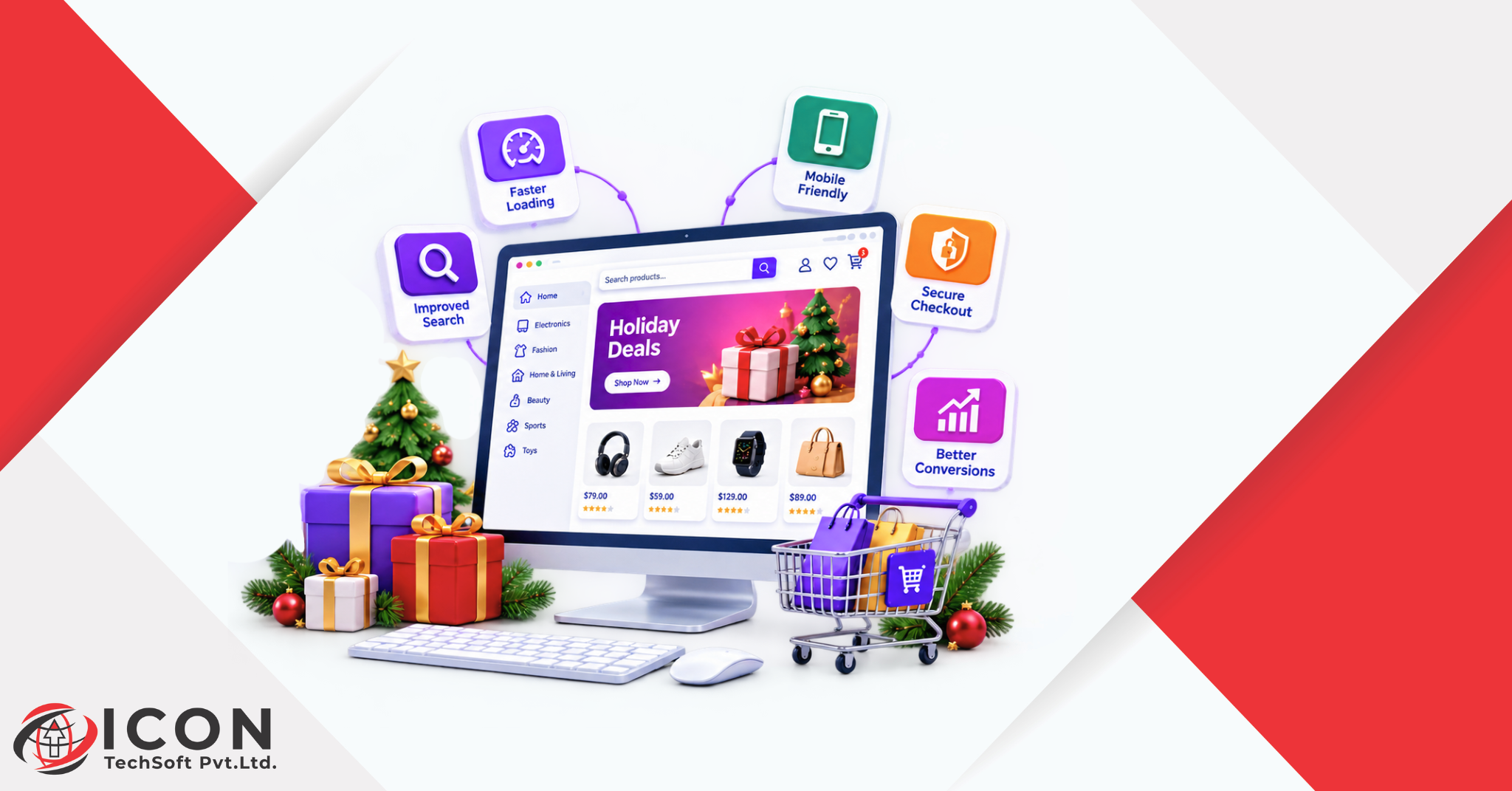
Every year, the festive season arrives faster than most businesses expect. One week you are planning a small sale, and the next week customers are already searching for gifts, decorations, clothes and last minute deals. If your holiday website is not ready by then, you lose sales to the brands that are.
A holiday website is simply your regular website, updated to match the mood, the offers and the buying habits of the season. It does not need a full redesign. It needs the right changes, made at the right time, so visitors can find what they want and pay for it without any trouble.
Festive shopping behaves differently from normal shopping. People browse more, compare more and expect quick answers. Many of them shop on their phones during a break or late at night. They also leave fast when a page is slow or a coupon code does not work. A well prepared holiday website keeps these visitors interested and turns them into buyers.
This is where regular e-commerce website updates make a real difference. Small fixes to your homepage, product pages and checkout can lift your sales more than a big advertising budget. Many store owners work with an experienced e-commerce website developer at this stage, because the developer can handle speed, security and layout changes safely while the owner focuses on stock and marketing.
In this guide, you will learn ten practical updates to make on your holiday website before the rush begins. You will also find a final testing step and a list of common mistakes to avoid. Each of these e-commerce website updates is easy to follow, so you can pick the tasks that suit your store and start today. With festive shopping only weeks away, starting now gives you enough time to fix problems before real customers find them.
Your homepage is the first thing most visitors see, so it should tell them within a few seconds that your store is ready for the season. That is the first job of any holiday website. A fresh, festive look builds excitement and shows that your business is active and well organised.
Think of your homepage as the front window of a shop. A decorated window pulls people in, and the same is true for a holiday website.
Start with the hero banner. Replace the usual image with one that shows your festive collection, your best gifts or your biggest offer. Keep the message short. One clear line and one button, such as Shop Gifts or View Festive Deals, works better than three crowded messages.
Colours and images matter too on a holiday website. Warm reds, golds and greens, or whatever suits your festival and your brand, can set the mood. You do not need to change your whole theme. Small touches such as a festive banner, seasonal icons or a ribbon on the top bar are enough.
Here is a quick checklist for your homepage:
Be careful not to go overboard. Too many animations, flashing lights or pop-ups can slow down your holiday website and annoy visitors. A clean design with a festive touch always beats a noisy one. Your goal is to guide people to products, not to distract them.
If your team is short on time, an e-commerce website developer can set up seasonal banners and sections that you can switch on and off easily. That way your holiday website can change its look quickly now, and you do not have to redo the work next year.
A landing page is a page built for one goal. On a holiday website, that goal is simple: help visitors find the right products fast and buy them. Dedicated landing pages for festive shopping work much better than sending everyone to a general product list.
You can create one landing page for each campaign on your holiday website. For example, make one for gift ideas, one for a big sale and one for a special collection. Each page should carry one main message and one main action.
A good festive landing page includes:
These pages also help your holiday website show up in search. When people look for festive gift ideas or seasonal deals, a focused page has a better chance of showing up than a broad category page. Use the words your customers actually type, and keep your page title and headings natural and easy to read.
Do not forget to link these pages from your homepage and menu, so your holiday website stays easy to explore. If you can, keep the same page address from year to year and just update the content. The page then builds strength over time, and your next season starts with an advantage.
A strong holiday website often has several of these pages, each one ready to catch a different kind of shopper. Most store platforms let you copy an existing page and change the content, so this is one of the quicker e-commerce website updates you can make.
Product pages are where buying decisions happen. A visitor may love your homepage, but if the product page is thin or confusing, they will leave. Treat every product page on your holiday website as a small sales page, and bring your top selling items up to date before the season starts.
Begin with the basics on your holiday website: titles, descriptions and images. Clear photos from different angles help shoppers feel sure. If you can add a short video or a lifestyle picture that shows the product as a gift, even better. Write descriptions in plain words that answer real questions, such as size, material, delivery time and what comes in the box.
Then add the seasonal details:
Reviews deserve extra attention on a holiday website. During festive shopping, buyers often pick items from stores they have never used before, so social proof builds trust quickly. Show your best reviews and answer any questions that customers leave.
Also check the small things: broken images, old prices and out of stock items that still show as available. A well kept holiday website never sells something that is not in stock. These problems are easy to miss during regular e-commerce website updates, yet they cause the most complaints in a busy season. A good e-commerce website developer can run a quick check across all your products and give you a list of what needs fixing, so you do not have to open every page by hand.
When visitors to your holiday website are in a hurry, they will not search for long. Good navigation helps them reach the right product in two or three clicks. Poor navigation on a holiday website sends them straight to a competitor.
Look at the main menu of your holiday website first. Keep it short and clear. Add a festive category such as Gifts, Festive Specials or Seasonal Sale, and place it where people can see it right away. Remove old or rarely used links that only add clutter.
Next, improve the search bar on your holiday website. Many people doing festive shopping know exactly what they want and go straight to search. Make sure the bar is easy to find, works well on mobile and shows suggestions as people type. Check that common spelling mistakes still bring up useful results.
Filters are just as helpful. Let shoppers narrow products by price, category, rating, size or occasion. A gift buyer with a fixed budget will love a price filter.
Quick wins for better navigation:
A simple structure on your holiday website also helps search engines understand your pages. Clear navigation is one of the most useful e-commerce website updates you can make, and it usually takes only a few hours. If your menu is complex or built with old code, an e-commerce website developer can rebuild it in a cleaner way without touching the rest of the site.
Most visitors to your holiday website will arrive on a phone. They scroll while travelling, watching TV or waiting in a queue. If your pages are hard to use on a small screen, they will not stay long, however good your offers are.
Open your holiday website on your own phone and shop like a customer would. Notice what annoys you. Is the text too small? Are the buttons too close together? Does a pop-up cover the whole page? These problems are common, and they are usually easy to fix.
Key mobile checks:
Think about thumbs too. Place important buttons like Add to Cart and Checkout where a thumb can reach them. A sticky add to cart bar at the bottom of the product page works very well for mobile shopping, because the buy button stays in view as people scroll.
Test on more than one device, as part of your regular e-commerce website updates. A page on your holiday website that looks fine on a new phone may look broken on an older one. An e-commerce website developer can use testing tools to check many screen sizes at once. A holiday website that works smoothly on mobile will catch sales that a clumsy one misses, since so much festive shopping now happens on small screens.
Checkout is where many sales are lost. Shoppers add items to their cart, then leave when the process feels long or confusing. In the festive season, when people are busy and short of patience, a simple checkout matters even more. For most stores it is the most valuable page on the holiday website.
Count the steps in the checkout of your holiday website. Fewer steps are better. If you ask for too much information, people give up. Ask only for what you truly need to deliver the order.
Ways to simplify checkout:
Hidden costs are a top reason for abandoned carts on any holiday website. If delivery fees appear only at the last step, shoppers feel tricked. Be honest and clear from the start.
Also add a way to win back lost sales. An abandoned cart email that reminds shoppers about the items they left behind can bring many of them back. Send it within a few hours, keep the tone friendly and consider a small incentive for festive shopping.
Many store owners find that checkout fixes are the most rewarding of all e-commerce website updates. If your checkout code is old or messy, ask an e-commerce website developer to review it before the busy days begin. Do not make big checkout changes in the middle of a sale, because one mistake at that point can cost real money and hurt your holiday website at its busiest hour.
Customers expect deals in the festive season. If your offers are hard to find, you are wasting them. Make every discount easy to see, easy to understand and easy to use on your holiday website.
Plan the offers for your holiday website first. Decide what you can afford, which products to include and when each deal starts and ends. An offer that fits your profit margin is better than a deep discount that hurts your business.
Common festive shopping offers include:
Then show them clearly across your holiday website. Use promotional banners on the homepage, category pages and cart page. Keep the text short, for example Free delivery on orders above a set amount. If a coupon code is needed, show it inside the banner and make sure it applies with one click.
Test every code before the sale starts. A coupon that does not work frustrates people and makes your holiday website look careless. Also check that discounts do not stack in ways you did not plan, since this is a common problem during festive shopping.
Finally, set an end date for each banner in advance so old offers do not stay online after they expire. This is one of those e-commerce website updates that is easy to forget but important for trust. Many platforms let you schedule banners, and an e-commerce website developer can set this up in a short time, so your holiday website shows the right offer on the right day.
Speed decides whether shoppers stay on your holiday website or leave. People are not patient when they want a gift, and a slow page can end a sale before it begins. Search engines also prefer faster pages, so speed helps your visibility too. A fast holiday website feels trustworthy, while a slow one feels risky.
Traffic to a holiday website jumps during festive shopping, and a site that runs fine on a normal day may struggle under the load. This is why you should check performance well before the season starts.
Easy ways to speed up your site:
Free tools such as Google PageSpeed Insights show what slows your pages down and how to fix it. Run your homepage, a category page, a product page and the checkout page through the test. Fix the biggest issues first.
Also talk to the hosting provider of your holiday website. If you expect a big rise in visitors, ask whether your plan can handle it. Upgrading for a few weeks costs far less than losing sales to a crash.
An e-commerce website developer can run load tests that copy heavy traffic and show exactly where the site breaks. That is much better than finding out during the sale. Performance work is among the most important e-commerce website updates before any big event, and your holiday website will thank you for it.
Shoppers on a holiday website want to know three things before they buy: how can I pay, when will it arrive, and what happens if I do not like it? If your site does not answer these questions clearly, many people will hesitate and leave.
Start with payments. Offer the methods your customers already use, such as cards, UPI, net banking, wallets and cash on delivery where it makes sense. If you sell to other countries, add options like PayPal or local payment methods. The more choice a holiday website gives, the fewer buyers it loses at the last step.
Next, be honest about delivery on your holiday website. Festive shopping periods slow down couriers, so add a clear cut off date for orders to arrive on time. Show delivery charges early, and tell people if you ship internationally.
Then look at returns. Make your return and exchange policy easy to find and easy to read. A short, friendly policy builds confidence. Say how many days shoppers have, what condition the items must be in and how refunds work. Festive gifts are often exchanged, so clear rules help both sides.
Information to keep up to date:
Place this information across your holiday website, on product pages, in the cart and in the footer. Update your FAQ page as well. These are simple e-commerce website updates, but they remove doubts that stop people from buying. If your payment setup needs changes, an e-commerce website developer can connect new gateways safely, and your holiday website will be ready for every kind of shopper.
The festive season is also a busy time for online fraud. Attackers know that stores are rushed, so they go after payment pages and customer data. A security problem on your holiday website during peak days can damage trust that took years to build.
Start with the basics. Make sure your holiday website uses HTTPS with a valid SSL certificate on every page. Then update your platform, themes and plugins to the latest versions, since old software often has known weaknesses that attackers look for.
A simple security checklist:
Show your customers that your holiday website cares about their safety. Display secure payment icons and keep your privacy policy easy to find. Shoppers notice these signs, especially if they are new to your store. A secure holiday website gives hesitant buyers the push they need to finish their festive shopping.
Think about your team as well. Anyone who manages the holiday website should know how to spot fake emails and should never share passwords in chat groups.
If you are unsure about your setup, ask an e-commerce website developer to run a full security review. It is one of the most valuable e-commerce website updates you can make before a sales peak. Protecting your holiday website also protects your customers, your income and your good name.
After all your updates, run a full test. Many stores skip this step and then learn about problems from angry customers. Testing a few days before your holiday website goes live gives you time to fix everything calmly.
Act like a customer. Go through your holiday website from start to finish. Land on the homepage, search for a product, add it to the cart, apply a coupon, choose delivery and complete a payment. Do this on a phone, a laptop and a tablet, and try different browsers such as Chrome, Safari and Edge.
Your testing checklist:
Ask friends, family or team members to test as well. Fresh eyes catch problems you no longer notice. Write down every issue and fix the most serious ones first.
Set up monitoring so you hear about downtime right away. Free uptime tools can send an alert by email or message. During the season, assign one person to watch orders and support messages every day, so a problem on the holiday website never sits unnoticed.
A good e-commerce website developer can build a proper test plan and run checks on speed, security and checkout. Regular e-commerce website updates need regular testing, so make it a habit and not a once a year task.
Finally, test again after your last change. Even a tiny edit can break something. Once your holiday website passes every check, you can launch your festive shopping campaigns with confidence.
Even careful businesses make mistakes in the festive rush. Here are the most common problems found on a holiday website, so you can avoid them.
If you notice a few of these on your own holiday website, do not worry. Most of them are quick to fix. Working with an e-commerce website developer can speed things up, because the developer knows which e-commerce website updates need attention first and can handle them without risking your live store.
A little preparation goes a long way. A holiday website that is fast, clear and secure makes festive shopping easy for your customers, and happy customers buy more and come back again.
Here is a quick recap of the ten updates covered in this guide, plus the final test:
The last step is to test everything like a real customer before the season begins.
You do not have to do it all at once. Start with the updates that matter most for your store, such as checkout, mobile and speed, and add the rest as time allows. Even a few well made changes can lift the results of your holiday website.
If you want expert help, speak to a reliable e-commerce website developer who understands online shopping and can carry out the right e-commerce website updates before the rush. The season will not wait, but you still have time to act. Get your holiday website ready today, and let festive shopping bring you your best sales yet.