-
Gujarat, India
- info@icontechnology.in
- 24/7 Customer Support
Gujarat, India
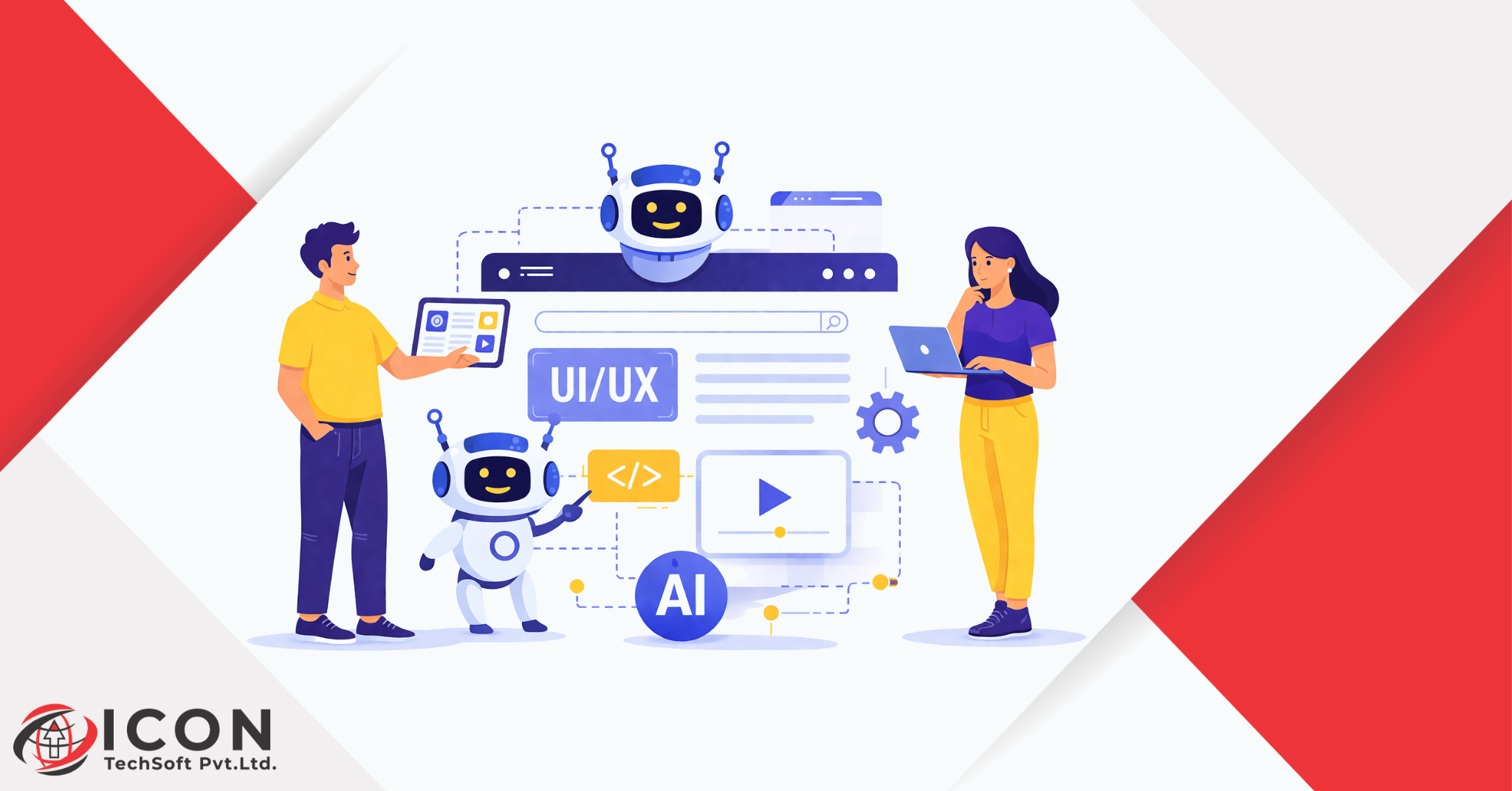
AI UX design is changing the way digital products are created and experienced. In today’s fast-moving digital world, businesses need smarter, faster, and more user-focused solutions. This is where AI in UI UX design plays a powerful role.
Artificial intelligence is no longer just a futuristic idea. It is now part of everyday design processes. From mobile apps to websites, AI is helping designers understand users better and create more meaningful user experiences.
The demand for better UI UX is growing rapidly. Users expect fast, simple, and personalized experiences. Traditional design methods are often slow and based on assumptions. AI changes this by using real data and automation.
Because of this, AI UX design is becoming essential for modern businesses. It helps teams design smarter, improve workflows, and deliver better results. In this guide, you will learn everything about AI in UI UX design and how it can help you create better user experiences.
AI in UI UX design means using artificial intelligence tools and systems to improve how digital products are designed and experienced. It helps designers make better decisions using data, automation, and smart predictions.
Instead of guessing what users want, AI studies user behavior. It looks at patterns like clicks, time spent, and navigation paths. This helps designers understand what works and what does not.
AI improves user experience in many ways:
For example, when you open a shopping app and see products based on your past searches, that is AI in action. It creates a more relevant and engaging user experience.
AI UX design is not just a trend. It is a business necessity. Companies that use AI in UI UX design can provide better user experiences and stay ahead of competitors.
AI helps create smoother and more intuitive interfaces. It removes friction and makes navigation easier. Users can find what they need faster, which increases satisfaction.
Better UI UX leads to higher conversions. When users have a good experience, they are more likely to take action. This includes:
AI also helps businesses understand user behavior deeply. This allows them to improve engagement strategies and create more effective designs.
AI UX design offers many advantages that make it a powerful tool for designers and businesses.
AI tools can automate tasks like layout generation, color selection, and content suggestions. This saves time and allows designers to focus on creativity.
AI makes it possible to create personalized experiences for millions of users. Each user sees content that matches their preferences.
Instead of guessing, designers can use real data. AI analyzes user interactions and provides insights that improve design decisions.
When users get what they want quickly and easily, they feel satisfied. AI helps create seamless and enjoyable user experiences.
There are many AI-powered UI UX tools available today. These tools help designers work faster and smarter.
AI tools reduce manual work. They allow designers to test ideas quickly and make improvements based on data.
Benefits include:
Using the right UI UX tool can make a big difference in the design process.
AI is transforming every stage of the UI UX process.
AI collects and analyzes large amounts of user data. It identifies patterns and insights that help designers understand user needs.
AI tools can generate wireframes automatically. Designers can quickly create and test different layouts.
AI helps in A/B testing and usability testing. It identifies issues and suggests improvements.
This makes the entire process faster and more efficient.
AI is shaping new UX trends that are changing the design landscape.
Users now expect experiences tailored to their preferences. AI makes this possible by analyzing user data.
Voice assistants and chatbots are becoming popular. They provide a more natural way to interact with digital products.
AI predicts what users will do next. This helps in designing proactive and intuitive interfaces.
Automation is reducing manual work. Designers can focus more on strategy and creativity.
These UX trends show how AI is transforming the future of UI UX.
AI in UI UX design is used in many real-world applications.
Online stores use AI to recommend products based on user behavior. This improves user experience and increases sales.
AI-powered chatbots provide instant support. They answer questions and guide users through processes.
Streaming platforms and apps use AI to suggest content. This keeps users engaged and improves satisfaction.
These use cases show how UX design creates value for both users and businesses.
While AI offers many benefits, it also has some challenges.
Too much automation can reduce human creativity. Designers must balance AI with their own ideas.
AI can analyze data, but it cannot fully replace human emotions and creativity. Good design still needs a human touch.
AI relies on user data. Businesses must ensure data is used responsibly and securely.
Understanding these limitations is important for using AI effectively.
To get the best results from AI UX design, follow these best practices.
Use AI as a tool, not a replacement. Combine data insights with creative thinking.
Always keep the user in mind. AI should enhance user experience, not complicate it.
Design is an ongoing process. Use AI to test, learn, and improve continuously.
Following these practices will help you create better and more effective designs.
The future of AI in UI UX design looks very promising.
AI will continue to evolve and improve design processes.
Businesses should:
Those who embrace UX design will have a strong advantage.
UX design is transforming the way digital experiences are created. It helps designers work faster, make better decisions, and deliver personalized user experiences.
By using AI in UI UX design, businesses can improve engagement, increase conversions, and build stronger connections with users.
The key is to balance AI with human creativity. When used correctly, AI becomes a powerful partner in design.
If you want to stay competitive and create better user experiences, adopting AI UX design is no longer optional. It is essential.
Q1. What is AI in UI UX design
AI in UI UX design refers to using artificial intelligence to improve user experience through automation, personalization, and data-driven design decisions.
Q2. How does AI improve user experience
AI analyzes user behavior and preferences to create more personalized, efficient, and engaging user experiences.
Q3. What are the best AI UI UX tools
Some popular tools include AI-powered design, prototyping, and research tools that help designers work faster and smarter.
Q4. Is AI replacing UI UX designers
No, AI is not replacing designers. It enhances their work by automating repetitive tasks and providing insights, while creativity still depends on humans.
Q5. What are the latest UX trends with AI
Trends include personalization, predictive design, voice interfaces, and automated user journeys.
Q6. How can businesses use AI in UI UX design
Businesses can use AI for personalization, chatbots, user behavior analysis, and improving conversion rates.