-
Gujarat, India
- info@icontechnology.in
- 24/7 Customer Support
Gujarat, India
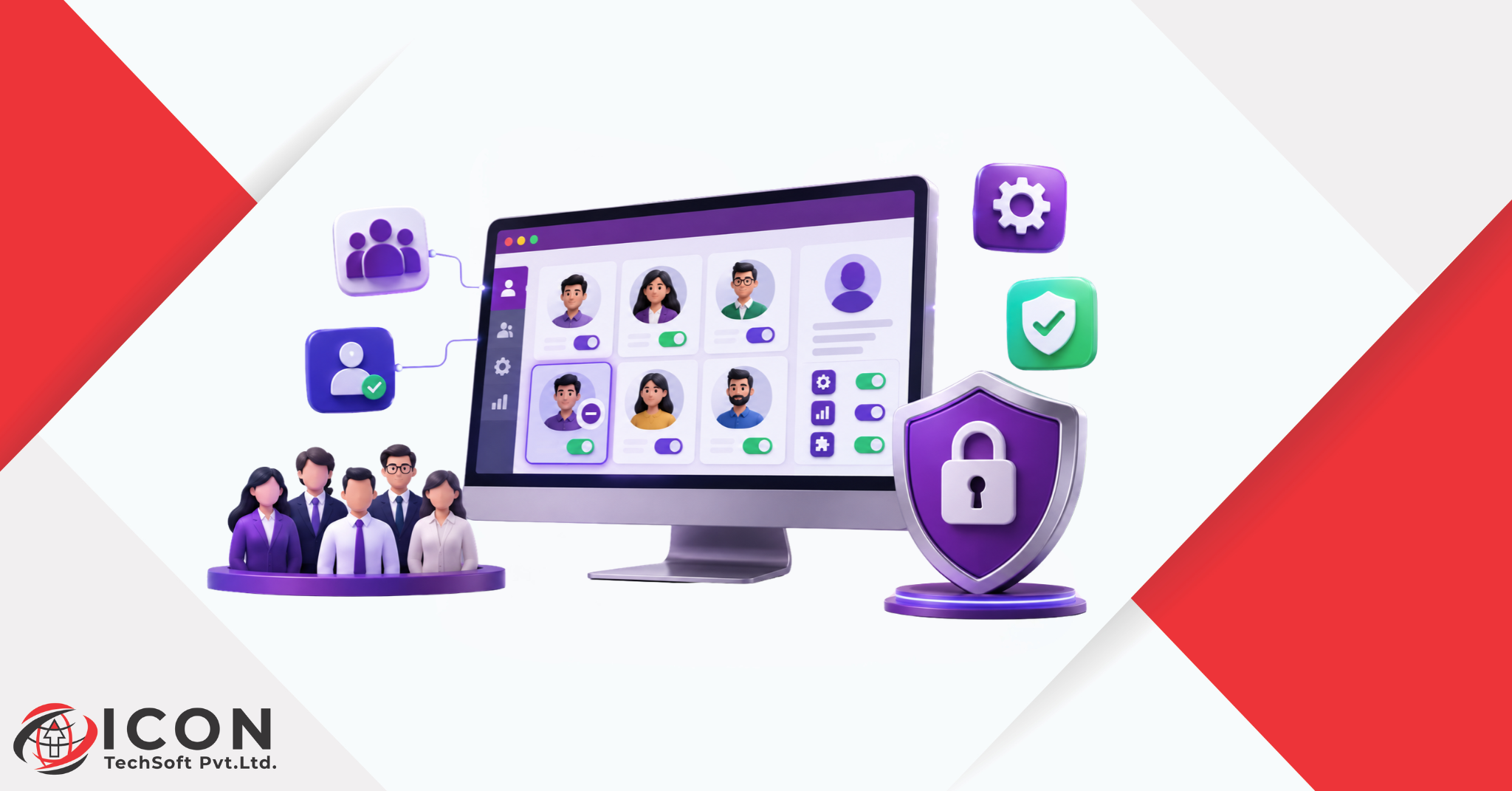
Odoo Light Users licensing provides businesses with a smarter way to manage employee access without giving everyone full access to the ERP system. As businesses grow, managing employees and business operations through a centralized ERP system becomes increasingly important. However, not every employee requires complete access to every application. Some employees only need to perform basic activities such as checking attendance, requesting leave, submitting expenses, or handling specific operational tasks.
To address these needs, Odoo provides the Light User licensing option, allowing businesses to provide limited access to employees while managing user permissions effectively.
In this blog, we will explore what an Odoo Light User is, how it works, its features, limitations, and how businesses can benefit from this licensing model.
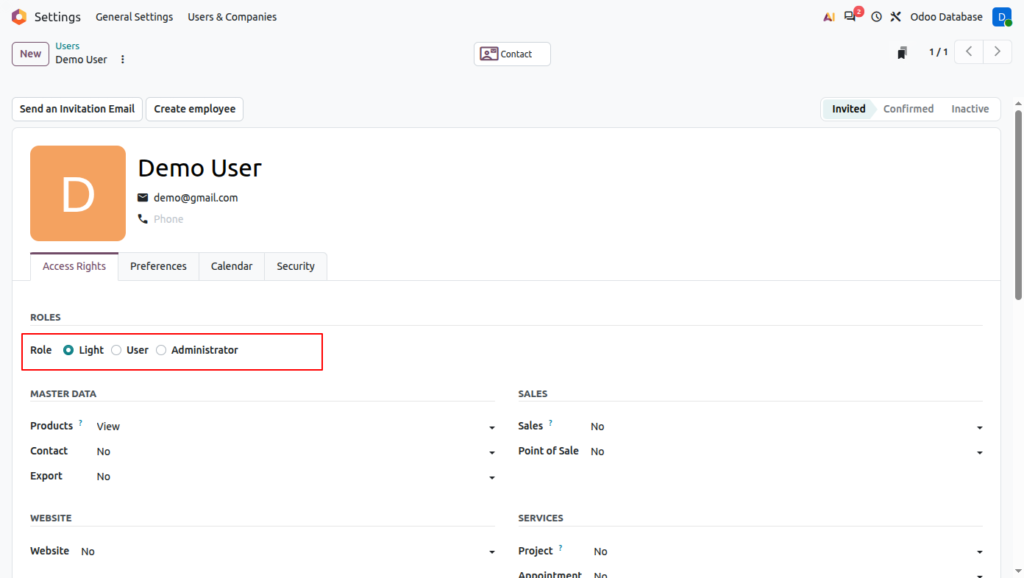
An Odoo Light User is a user with restricted access to specific applications and functionalities within Odoo. Unlike a Full User, who can access business applications based on assigned permissions and subscription plans, a Light User is intended for employees who require only basic operational or employee-related functionality.
For example:
This approach helps organizations provide access to Odoo based on employees’ actual responsibilities.
Odoo Light Users are designed to support employees who perform specific activities rather than manage complete business processes.
Employees can access specific employee-oriented functionalities depending on the available applications and licensing conditions. These functionalities may include payslips, attendance, time off, and other employee services.
Certain employees may use Odoo for operational purposes, such as manufacturing shop floor activities, barcode operations, Point of Sale, or field service.
The access provided is restricted to the functionalities covered by the Light User license. Employees who need additional business applications may require a Full User license.
Odoo Light Users can work with selected applications and features designed for their daily activities.
| Application | Functionality |
| Time Off | Submit and manage leave requests |
| Expenses | Create and submit expense reports |
| Attendances | Check and manage attendance |
| Appraisals | Access employee appraisal activities |
| Referrals | Participate in employee referrals |
| Planning | View assigned schedules |
| Field Service | Perform assigned field service activities |
| Inventory Barcode | Perform supported barcode operations |
| Knowledge | Read company documentation |
| Payroll | Access payslips, subject to employee access |
| Manufacturing | Perform supported shop floor activities |
| Point of Sale | Participate in supported POS activities |
The availability of specific features depends on Odoo’s licensing conditions and the user’s eligibility.
Although Light Users can perform several useful activities, their access is limited compared with Full Users.
Restricted application access: Light Users cannot freely access all Odoo applications.
Limited business management access: Activities such as managing sales quotations, purchase orders, accounting operations, and other core business processes generally require a Full User license.
Licensing restrictions: Light User access is governed by Odoo’s licensing rules and cannot simply be converted into unrestricted access through custom user permissions.
Limited administrative functionality: System configuration and advanced management operations are not intended for Light Users.
Role-based eligibility: If an employee’s responsibilities expand and they need access to additional business applications, their licensing requirements should be reviewed.
Understanding the difference between these two user types helps businesses select the appropriate licensing option.
| Feature | Light User | Full User |
| Primary purpose | Employee self-service and limited operations | Complete business operations |
| Application access | Restricted functionalities | Broader access based on plan and permissions |
| Attendance and leave | Supported employee activities | Available |
| Expense management | Supported activities | Available |
| Manufacturing | Supported shop floor activities | Full manufacturing functionality as permitted |
| Sales and Purchase | Not intended for full management | Available |
| Accounting | Restricted | Available based on permissions |
| Configuration | Not intended | Available to authorized users |
The Light User licensing model is particularly useful for businesses where many employees need access to limited functionalities.
Manufacturing operators can use supported shop floor functionalities to perform production-related activities without requiring complete access to business applications.
Warehouse employees can use supported barcode operations to scan products, perform stock activities, and support inventory workflows.
Retail employees can perform supported Point of Sale activities while managers retain access to broader sales, inventory, and accounting operations.
Field technicians can access assigned field service activities and manage their work through Odoo.
Organizations with many employees can provide access to relevant employee services, such as attendance, expenses, and leave management, while aligning user access with actual operational requirements.
Before assigning licenses, businesses should identify what each employee actually needs to do in Odoo.
For example, consider a manufacturing company with 100 employees:
The business can evaluate which employees qualify for Light User access and which employees require Full User licenses.
This role-based approach helps businesses plan their Odoo subscription according to actual operational requirements rather than providing the same level of access to everyone.
1. Is an Odoo Light User the same as a portal user?
No. Portal users and Light Users are different. Portal users generally access specific information through the customer or vendor portal, whereas Light Users are intended for eligible internal employees performing supported activities.
2. Can a Light User access Sales and Purchase applications?
Light Users are not intended to manage complete Sales and Purchase workflows. Employees who need to create and manage quotations, sales orders, purchase orders, or other core business transactions generally require a Full User license.
3. Can Light User access rights be customized?
Light User access is governed by Odoo’s licensing conditions. It is not equivalent to a Full User license with freely customizable application access.
4. Is an Odoo Light User suitable for manufacturing employees?
Yes. It can be suitable for eligible employees performing supported manufacturing shop floor activities, depending on their operational requirements and the applicable licensing terms.
5. Should every employee have a Full User license?
Not necessarily. Businesses should evaluate each employee’s responsibilities and application requirements before deciding which licensing option is appropriate.
Odoo Light User licensing provides businesses with an opportunity to bring more employees into their ERP environment while considering their actual access requirements.
For employees who perform basic operational tasks or use employee-oriented functionalities, Light User access can be a practical option. Employees responsible for managing complete business workflows, however, may still require Full User licenses.
The key is to evaluate employee roles, application requirements, and licensing conditions before selecting the right Odoo subscription.
If your business is planning an Odoo implementation or wants to understand the right licensing structure for its workforce, consulting an experienced Odoo implementation partner can help you make informed decisions and plan your ERP implementation effectively.